NexBillio
Click to upload logo
PNG, JPG, SVG up to 5MB| Description | Qty | Unit Price | Amount |
|---|---|---|---|
| Add items to see your invoice | |||
Most businesses lose money not because they do bad work, but because they invoice badly. Late sends, wrong totals, missing tax fields, vague descriptions these are the real reasons payments get delayed. NexBillio's free invoice generator was built to fix exactly that.
Create a professional invoice in under 60 seconds with your logo, auto calculated taxes, line items, payment terms, and a PDF ready to send. No sign up, no software, and no spreadsheet math. Perfect for freelancers, small businesses, and contractors. Works on any device, supports over 100 currencies, and generates professional invoices every time.
More than 4 million businesses and independent professionals have used NexBillio to create invoices, reduce billing errors, and get paid faster. This complete guide shows you exactly how the tool works, what every invoice must include, how to handle different invoice types, and what strategies consistently lead to faster payments. Everything you need is here.
Table of Contents
- What Is an Invoice Generator?
- How to Create an Invoice Step-by-Step
- Why Use a Free Online Invoice Generator?
- Key Features to Look for in an Invoice Generator
- What Every Invoice Must Include
- Types of Invoices You Can Generate
- Invoice Generator vs. Invoice Template vs. Invoice Maker
- Globally Compliant-Works Anywhere
- Free Online Invoice Generator – No Sign Up Required
- Common Invoice Mistakes to Avoid
- FAQs About Invoice Generators
1. What is an Invoice Generator?
An invoice generator is a free online tool that helps businesses, freelancers and self-employed professionals create accurate, professional looking invoices quickly. Instead of designing a billing document from spreadsheets, you simply fill in your details and the tool does the rest calculations, applying taxes, and producing a clean pdf ready to send to your customer.
Think of it as a smart, automatic invoice builder. You enter your business name, client details, the products or services you provided, and the price and the invoice generator create everything perfectly, calculate the totals, and generate a downloadable pdf invoice within seconds.
Why the Term "Invoice Generator" Matters for Your Business
The term invoice generator covers a wide range of tools, from a basic free invoice maker online to advanced best invoice generator software with payment tracking. No matter what type of work you do, there is an invoice generator built for your needs.
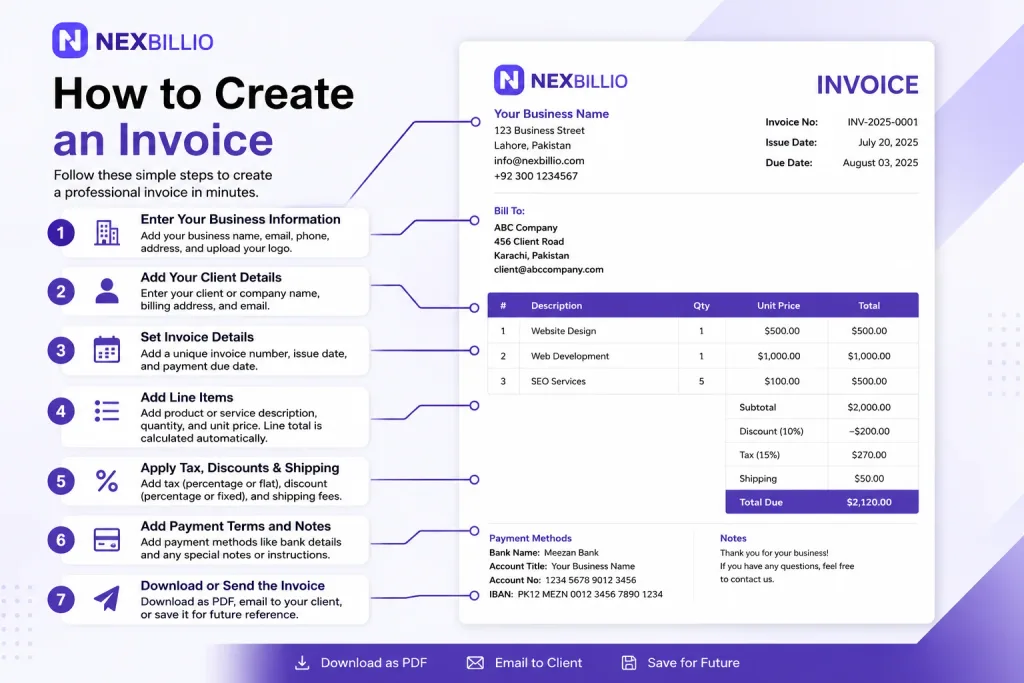
2. How to Create an Invoice Step-by-Step
Using any free invoice maker online is simple. Follow these steps to generate your first professional invoice in under 60 seconds:
- Enter Your Business Information
- Add Your Client Details
- Set Invoice Details
- Add Line Items
- Apply Tax, Discounts
- Add shipping details
- Add Payment Terms and Notes
- Download or Send the Invoice
3. Why Use a Free Online Invoice Generator?
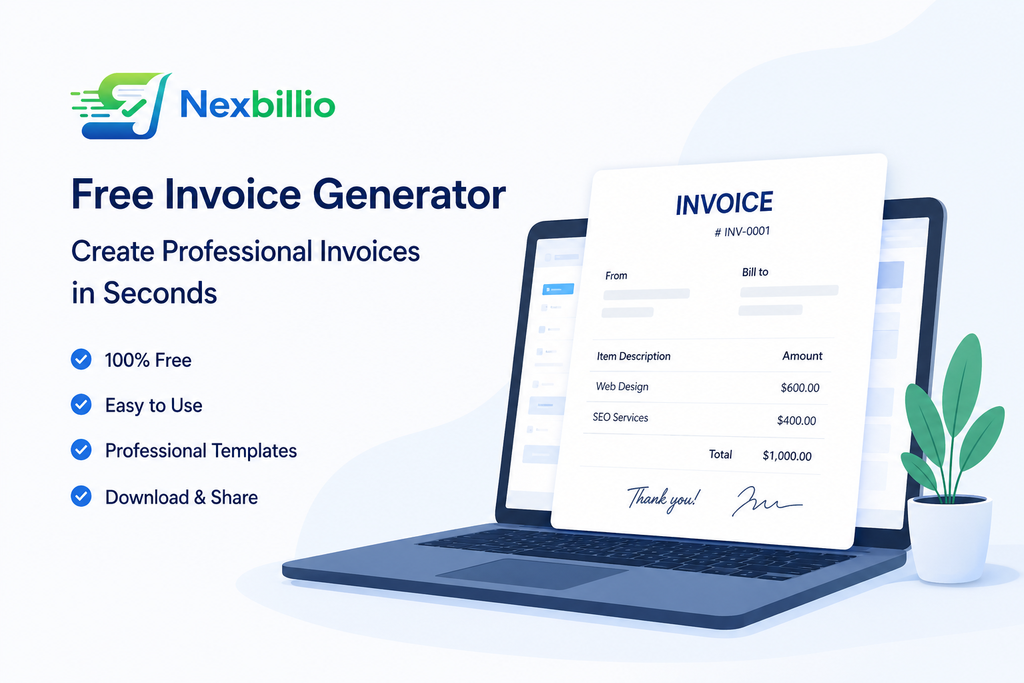
Creating invoices manually wastes time and leads to costly mistakes. A free online invoice generator solves these problems. Here is why millions of businesses and freelancers use them every day:
Top Benefits of Using a Free Invoice Generator
- Save Time: Create a complete professional invoice in under 60 seconds
- Look Professional: Branded invoices with your logo build trust and impress clients
- Avoid Errors: Auto calculates subtotals, taxes, discounts, and totals with accurate payment terms
- Get Paid Faster: Clear PDF invoices help reduce payment delays and can be downloaded or emailed
- Works Anywhere: No sign up, no software, works on any device and supports over 100 currencies
- Free to Use: Generate unlimited professional invoices at no cost
Who Needs an Invoice Generator?
- Freelancers
- Small business owners
- Contractors and construction workers
- Photographers and videographers
- Marketing and creative agencies
- IT professionals and software developers
- Healthcare and wellness providers
- Event planners and caterers
- Legal and accounting professionals
- E-commerce sellers and drop shippers
- Tutors, coaches, and educators
- Real estate agents and property managers
4. Key Features to Look for in an Invoice Generator
Must Have Features (Core Functionality)
- Professional invoice template that looks clean and branded
- Logo upload so your invoices reflect your brand identity
- Auto-calculation of subtotals, taxes, discounts, and total
- Multiple currency support (USD, EUR, GBP, AUD, INR, etc.)
- pdf download
- Direct email delivery to your client
- Invoice number
- Date for record
- Line item entry: description, quantity, unit price, and amount
- Delivery/Shipment charges
- Account details for payments
- Terms & Condition bars
- Notes and memo field for thank-you messages
Security and Privacy Considerations
- HTTPS encryption protects your data
- No-account tools store no data on their servers
- GDPR-compliant platforms for EU businesses
- Secure pdf generation without third-party sharing
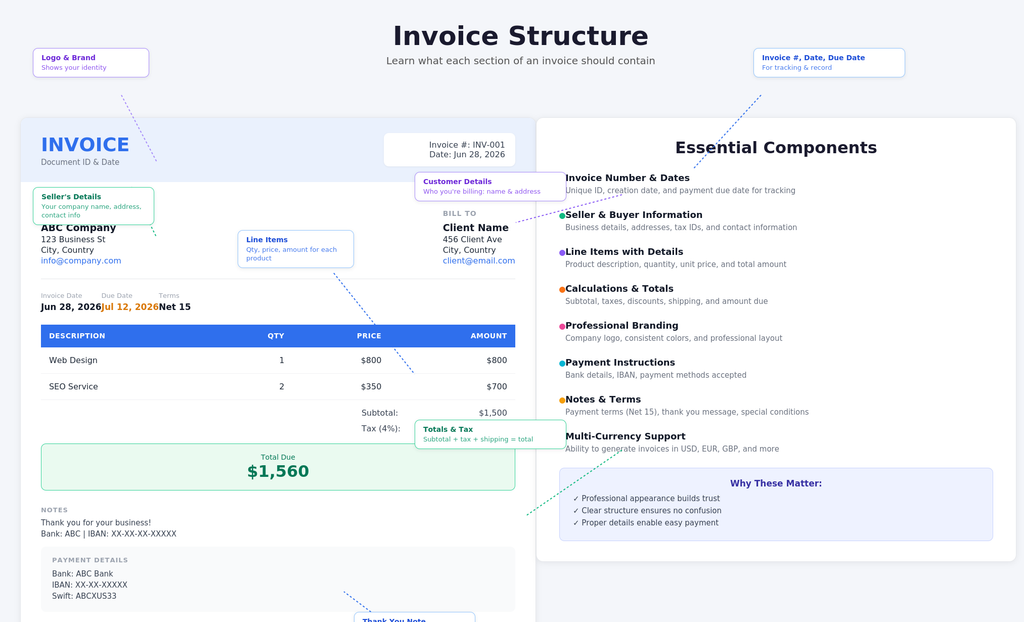
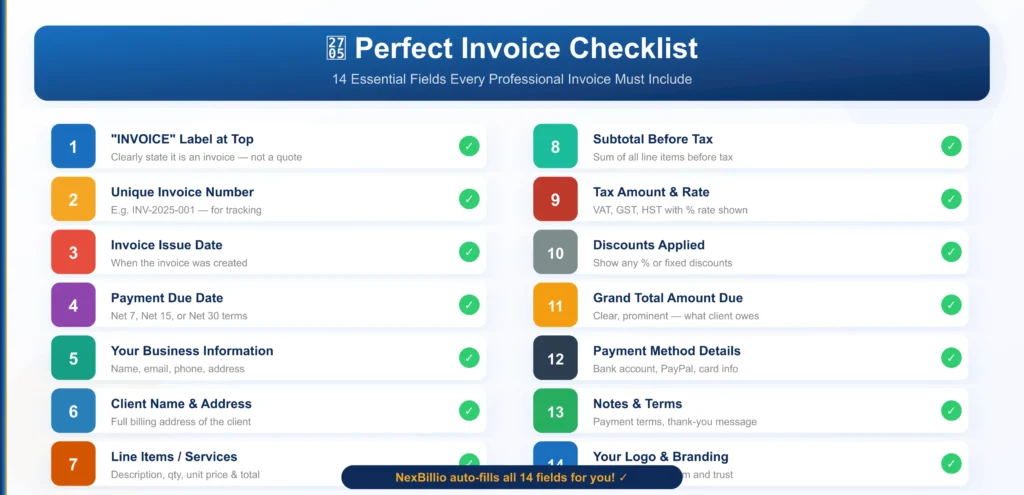
5. What Every Invoice Must Include
A professional invoice that gets you paid must contain certain key details. Missing even one field can cause delays or disputes. Here is the complete checklist:
Listicle — 9 Essential Invoice Fields
- The word "Invoice" clearly shown at the top
- Unique invoice number for tracking and record
- Invoice issue date and payment due date
- Seller full name, business name and contact details
- Client name and billing address
- List of products or services with quantity and unit price
- Subtotal, tax rate and discounts applied
- Grand total amount due
- Accepted payment methods and instructions
6. Types of Invoices You Can Generate
Different business situations call for different invoice types. A good invoice builder or best invoice generator software should support all of the following:
Invoice Types Explained
- Standard Invoice: Most common. A formal payment request for goods or services delivered.
- ProForma Invoice: A preview or estimate sent before the work begins. Use the free online proforma invoice generator for this.
- Credit Invoice: Issued to correct an overcharge or process a refund.
- Debit Invoice: Sent to request additional payment after the original invoice.
- Recurring Invoice: Automatically repeating invoice for subscription or retainer clients.
- Timesheet Invoice: Based on hourly work; shows hours worked and hourly rate. Common for freelancers.
- Milestone Invoice: Issued at each project phase. Common in construction and software development.
- Retainer Invoice: Monthly billing for ongoing services .
- Final Invoice: Sent at the end of a project showing total due after any deposits.
- Commercial Invoice: Used for international trade and customs declarations.
- E-Invoice : Electronically submitted invoices to government portals
- Receipt Invoice: Combined invoice and payment receipt. Use a free online invoice and receipt generator for this.
7. Invoice Generator vs. Invoice Template vs. Invoice Maker
People often confuse these terms. Here is a clear, simple breakdown of the differences and when to use each one:
| Feature | Invoice Generator | Invoice Template | Invoice Maker App | Invoicing Software |
| Auto-calculation | Yes | No | Yes | Yes |
| Free to use | Yes | Yes | Limited | Paid plan |
| Logo upload | Yes | Manual | Yes | Yes |
| PDF download | Yes | Manual | Yes | Yes |
| Multi-currency | Most | No | Some | Yes |
| No sign-up required | Yes | Yes | Sometimes | Required |
| Online payments | Some | No | Some | Yes |
| Client management | No | No | Limited | Yes |
| Good for | Freelancers | One time use | Small teams | Growing businesses |
When Should You Upgrade from a Free Generator to Full Software?
- You send 20+ invoices per month and need automation.
- You need to automatically remind clients about overdue invoices.
- You manage multiple clients and need a client portal.
- You want to accept online payments directly through the invoice.
- You need to generate detailed financial reports.
- For most freelancers and small businesses, a best free online invoice generator handles 90% of needs at zero cost.
8. Globally Compliant-Works Anywhere
Built-in tax rules for the USA, UK, Canada, Australia, and India. We handle the local tax complexities for you. Fully responsive on mobile, tablet, and desktop. Create invoices on the go. Professional invoices with clear payment instructions lead to faster payments. Studies prove it.
Create a Compliant Invoice for Your Country in 3 Easy Steps
- Enter Your Details: Add your business info, logo, client details, and a description of your work.
- Let Our Tool Do the Math: Your subtotal, taxes (GST, VAT, HST, etc.), discounts, and grand total are calculated automatically.
- Download & Send: Generate a professional pdf and email it to your client directly from our tool.
Choose Your Country for a Tax-Ready Invoice
Our tool automatically adapts to the invoicing rules of your country. Select yours to get started:
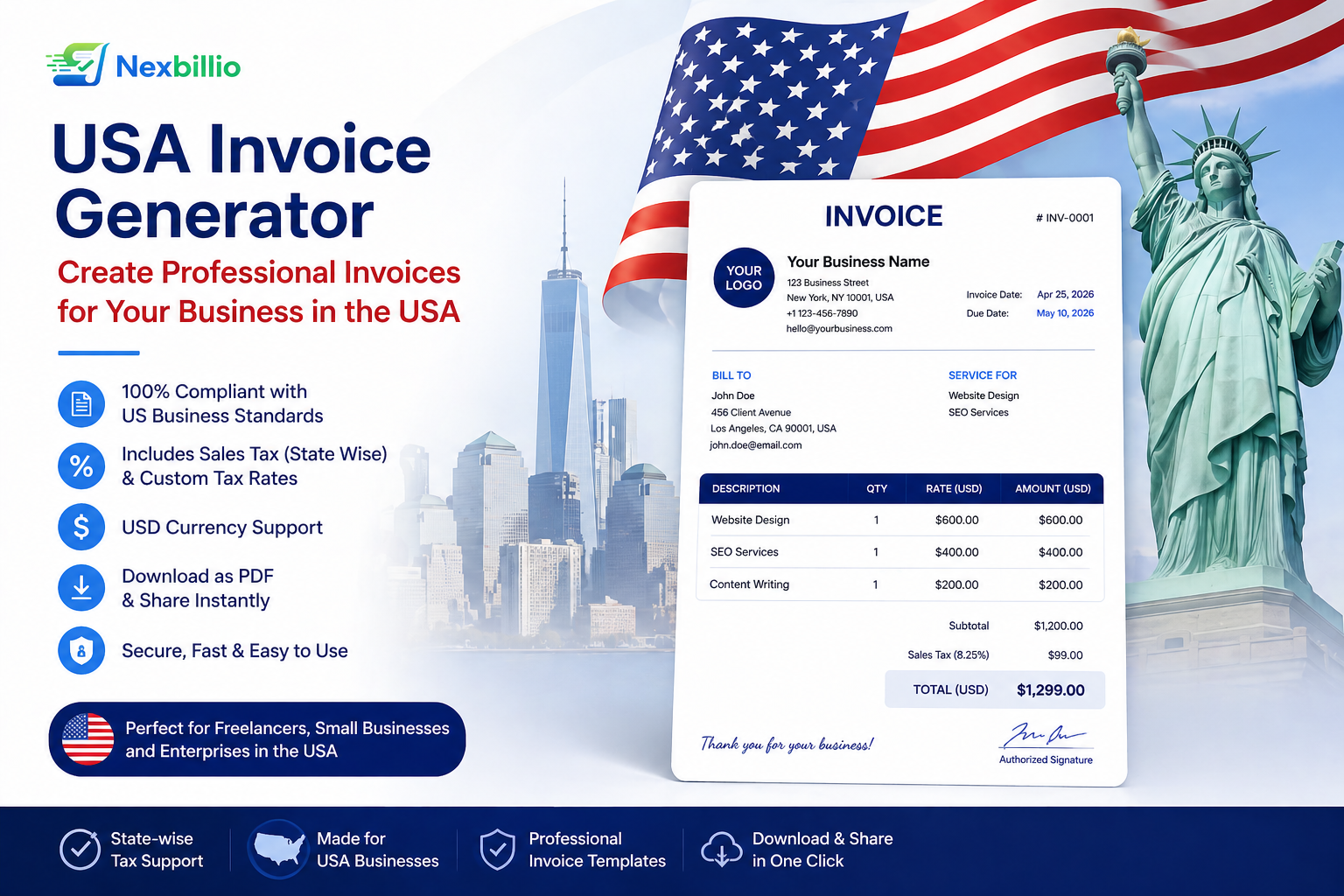
- Free Invoice Generator for USA → (Sales Tax, EIN/SSN, USD)
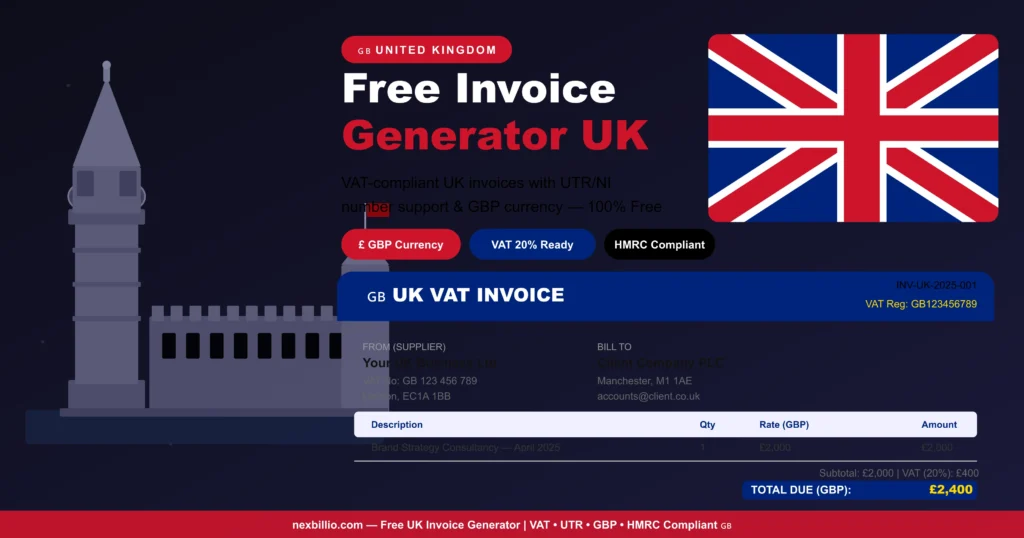
- Free Invoice Generator for UK → (VAT, HMRC Compliant, GBP)
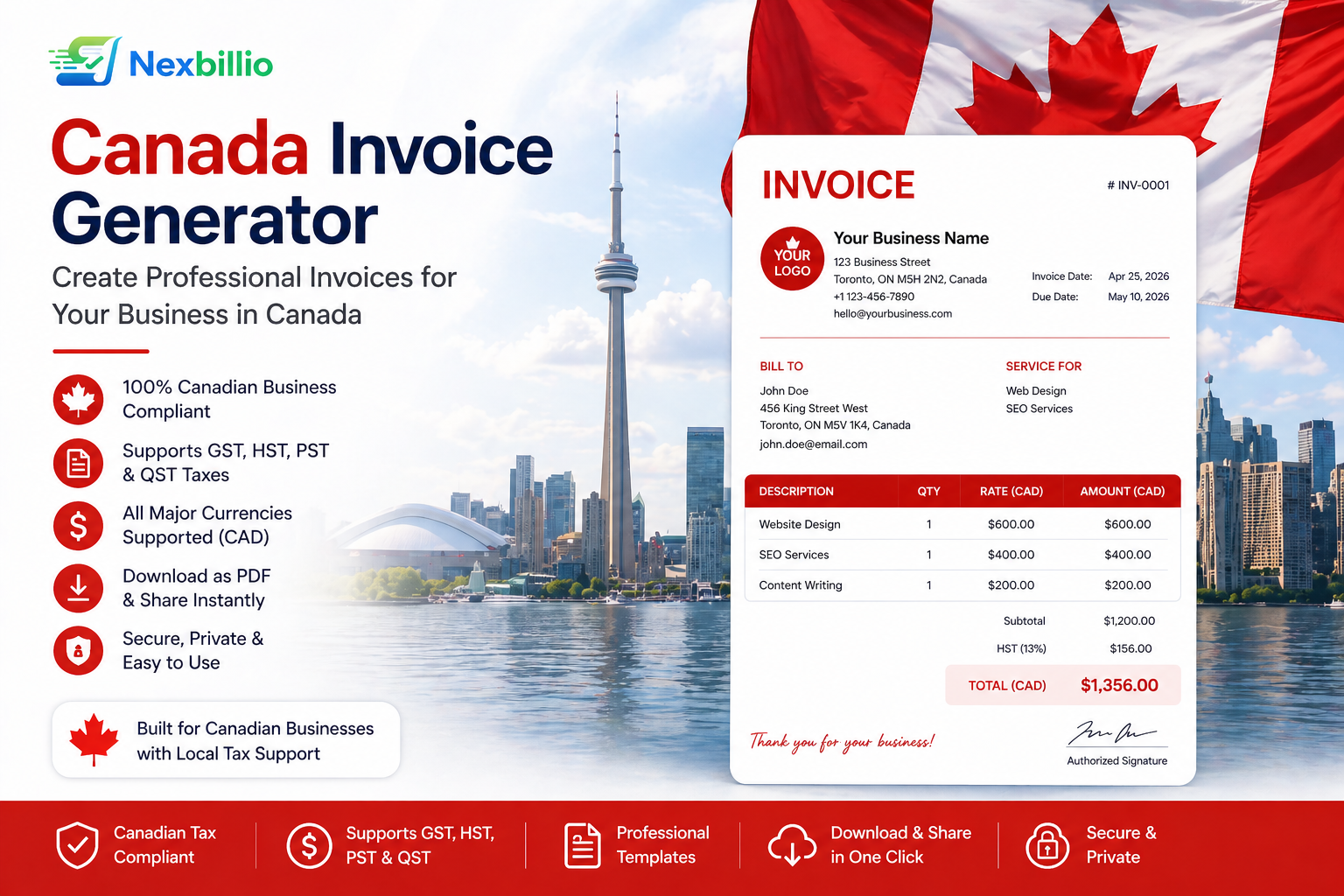
- Free Invoice Generator for Canada → (GST/HST, CRA Ready, CAD)
- Free Invoice Generator for Australia → (ATO Compliant, ABN, 10% GST)
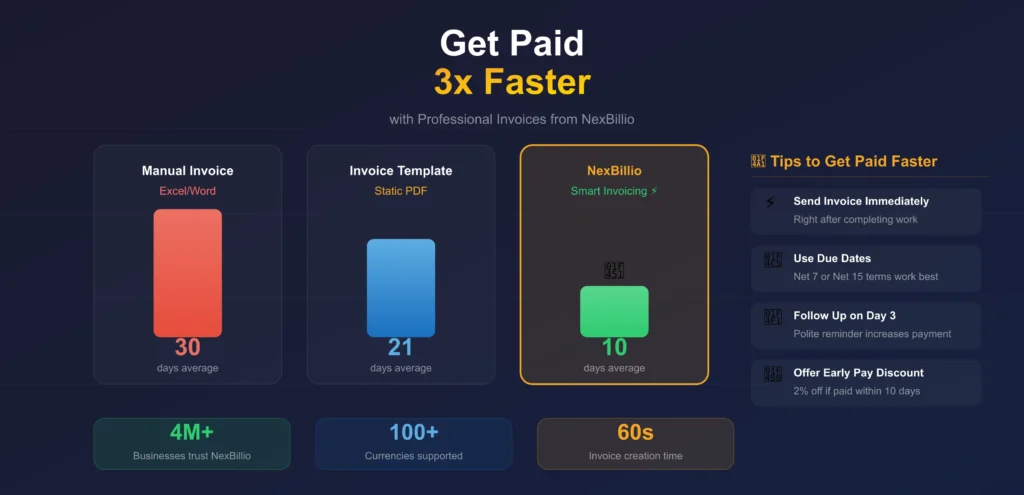
9. Best strategies to Get Paid Faster
Using the best invoice maker free is only half the battle. Getting paid on time requires the right strategy. Here are proven tricks:
Invoice Timing Strategies
- Send your invoice the moment you complete the work and don’t wait.
- Use “Due on Receipt” for new clients for immediate payment.
- For larger projects, request a 25–50% deposit advance before starting.
- Send milestone invoices during long projects instead of one final bill.
Payment Terms That Reduce Late Payments
- Net 7: Payment due in 7 days , best for quick jobs
- Net 15: Payment due in 15 days , standard for freelancers
- Net 30: Payment due in 30 days — common in B2B billing
- Early payment discount: Offer 2% off if paid within 10 days
- Late fee: Charge 1.5% per month on overdue amounts
Follow-Up Template Schedule for Unpaid Invoices
- Day 3 after due date: Send friendly payment reminder.
- Day 7: Send a firm but polite follow-up email with the invoice attached.
- Day 14: Send a formal overdue notice stating late fees have applied.
- Day 30: Final demand letter or escalate to a collections process.
Professional Invoice Language Tips
- Be specific in your descriptions and avoid vague terms
- Include your payment methods clearly like bank details
- Add a brief thank you note because it makes clients more likely to pay promptly
- Use invoice numbers , they help clients match payments to correct invoices
10. Common Invoice Mistakes to Avoid
Even with the best invoice generator software, mistakes happen if you are not careful. The most common errors and how to avoid them are :
Invoice mistakes that delay payments
- Missing invoice number that causes confusion when clients want to reference the bill
- Wrong client billing address , invoice goes to the wrong department or person
- Vague service descriptions tells the client nothing specific
- Incorrect tax rate creates accounting headaches
- No payment due date , clients without a deadline often delay payment indefinitely
- Forgetting payment method details also cause delay in paying
- Sending to the wrong email address
- Not following up a single invoice email is often forgotten or buried
- Not keeping copies because you cannot chase payment without a record
- Ignoring late payment terms , if you don’t enforce late fees, clients ignore due dates
11. Frequently Asked Questions (FAQs)
Q1: Is a free invoice generator completely free?
Yes, nexbillio let you create and download unlimited pdf invoices free of cost. Some platforms offer premium features like payment collection or client management as paid upgrades, but the core invoice creation is always free of cost.
Q2: Can I use a free online invoice generator with no sign up?
Absolutely, tools like NexBillio, Shopify Invoice Generator, etc require no account or sign-up. Just open the tool, fill in your details, and download your invoice , it takes about 60 seconds.
Q3: What file format does a free online pdf invoice generator produce?
Usually all invoice generators produce invoices in pdf format. Pdf is the industry standard because it is universally accepted by clients, accountants, and tax authorities.
Q4: How do I generate invoice serial numbers?
Use a year based format like 2025-001, 2025-002, or a simple sequential system like INV-001, INV-002, INV-003. Consistent invoice numbering is essential for bookkeeping, tracking unpaid invoices and tax filing. Most invoice generators create the invoice number automatically for you. An invoice template is a static document that you fill in manually and calculate totals yourself.
Q5: Is it safe to use an online invoice generator?
Of course, online invoice generator use HTTPS encryption to protect your data during transmission. Tools that require no account like free invoice generator store nothing on their servers. Always use invoice generator from trusted brands and avoid entering sensitive financial information on unknown tools.
Q6: How can I track whether my invoice has been paid?
Tools like FreshBooks, Zoho Invoice, and QuickBooks allow you to mark invoices as sent, viewed and paid. Following up proactively is the single best way to ensure timely payment
Final Thoughts: Choose the Right Invoice Generator for Your Needs
Managing invoices manually can waste time and delay payments. A professional free invoice generator helps freelancers, startups, consultants, and small businesses create accurate, polished invoices quickly and efficiently. NexBillio – Free Invoice Generator offers a fast, secure, and user-friendly online invoice maker that lets users generate professional invoices, automate calculations, add taxes and discounts, and download invoices instantly.
With NexBillio’s free online invoice generator, businesses can improve cash flow, reduce errors, save time, and maintain professional billing records. Whether you need an invoice maker free tool, an invoice generator app, or the best invoice generator for small business, NexBillio makes invoicing simple, smart, and professional.
Start using NexBillio today for faster payments and a better invoicing experience.
Platforms that Nexbillio Supported
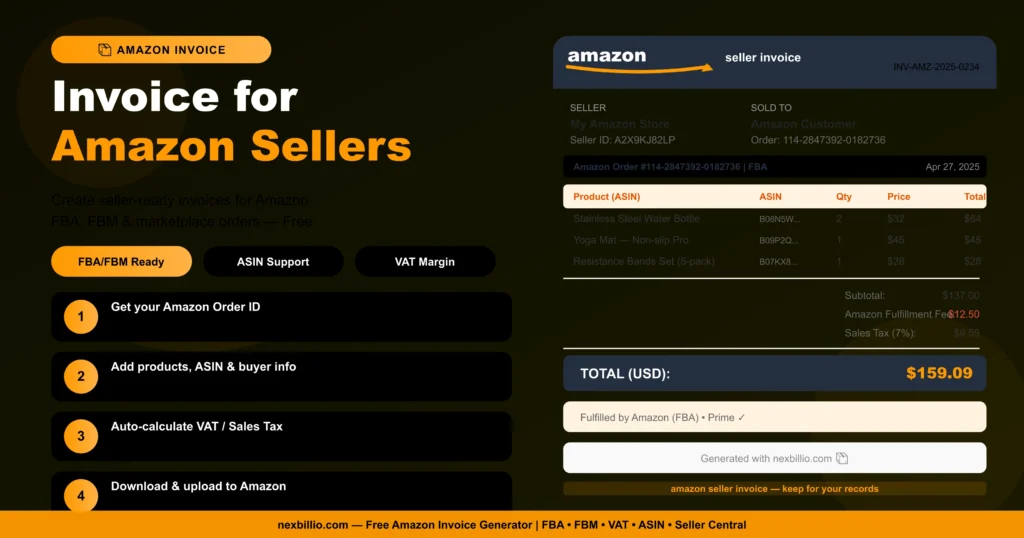
Amazon Invoice Generator
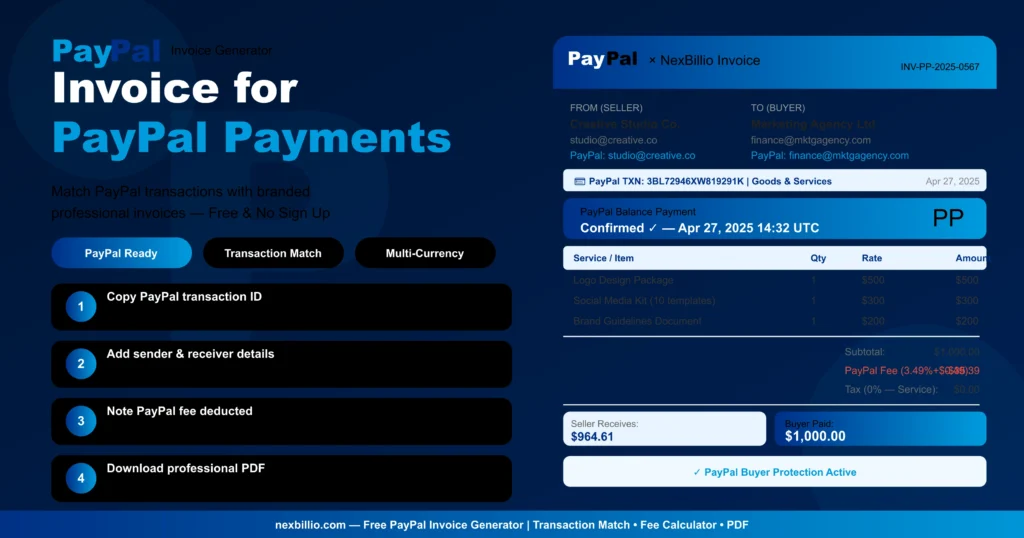
Paypal Invoice Generator
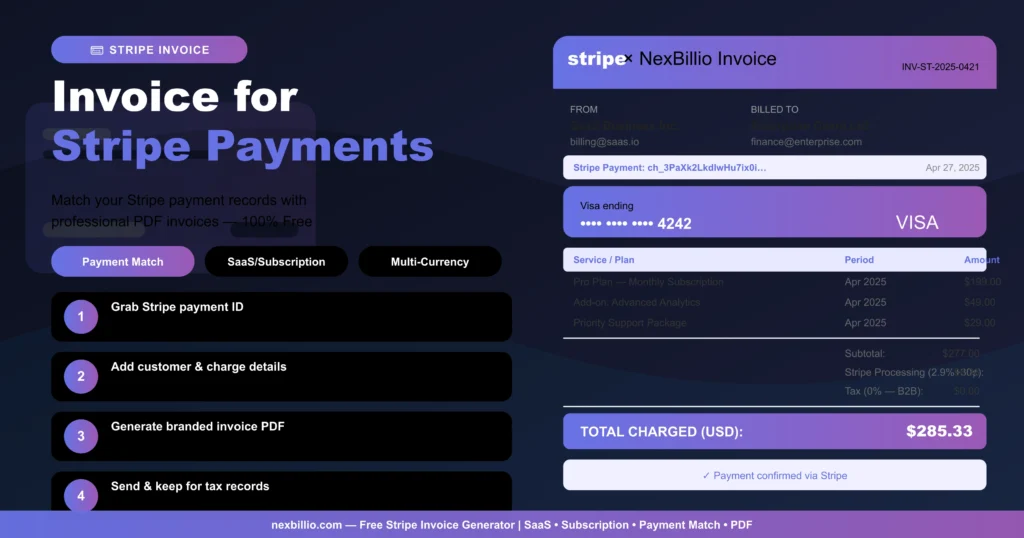
Stripe Invoice Generator
Countries that Nexbillio Supported
Canada
United Kingdom
United States