
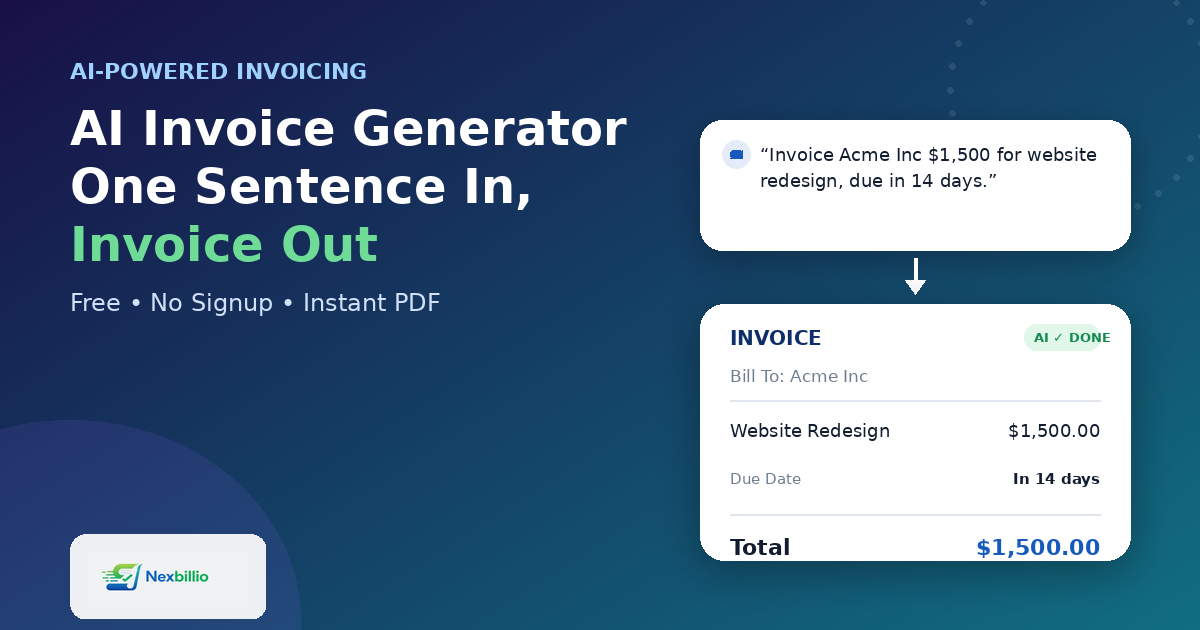
“AI-powered” gets stamped on almost everything now, and invoicing tools are no exception. But an invoice is one of the few business documents where the format barely changes — a client name, some line items, a total, a due date. So it’s fair to ask: what is an AI invoice generator actually doing differently, and is it worth using over a plain template?
The honest answer is that it depends entirely on where the AI is doing the work. Used well, it removes the parts of invoicing that waste your time. Used badly, it’s a gimmick sitting on top of a form you’d have filled out faster yourself.
What “AI Invoice Generator” Should Actually Mean
Strip away the marketing language and a genuinely useful AI invoice generator does a few specific things:
- Turns plain text into a structured invoice. Instead of clicking through fifteen fields, you describe the job — client name, service, amount — and the fields fill themselves in.
- Catches the small errors humans make. Wrong tax math, mismatched totals, a missing due date — the kind of mistakes that make an invoice look sloppy.
- Reuses information intelligently. If you’ve billed a client before, it shouldn’t ask you to retype their address for the tenth time.
- Produces something that looks finished, not a rough draft you still need to clean up in a design tool.
That’s a very different bar than “there’s a chatbot in the corner of the screen.” A lot of tools that call themselves AI invoice generators are really just old templates with a new label. The test is simple: does the AI reduce the number of things you have to type and fix, or does it just sit there while you do all the same work anyway?
Where This Actually Matters: Speed and Accuracy
Two things separate a genuinely helpful ai generated invoice tool from a decorative one.
Speed. A freelancer or small business owner sending an invoice mid-project doesn’t want to open a new tab, log in, click through a template picker, and manually enter ten fields. A well-built ai invoice template generator should get you from “job description” to “finished PDF” in under a minute, not five.
Accuracy. Manual invoicing is where small business owners lose money without noticing — a missed tax rate, a total that doesn’t match the line items, a due date that got typed wrong. Good AI-assisted invoicing catches these automatically, because the math and formatting are handled by the system instead of by a tired person doing it at 11pm.
This matters even more once volume goes up. A business generating a handful of invoices a month can get away with doing everything by hand. Once that number climbs, the manual approach starts costing real hours — and this is really where generative AI invoice management earns its keep: less about novelty, more about not repeating the same twenty clicks every single time.
What to Actually Look For in a Free AI Invoice Generator
If you’re comparing tools, skip the marketing copy and check for these instead:
- Can you generate a complete invoice without creating an account first?
- Does it auto-calculate totals and tax, or just format what you type?
- Are the templates something you’d actually send to a client, or do they look generic?
- Is it genuinely free for everyday use, or is “free” just the first step before a paywall?
A lot of tools promoted as a best ai invoice generator free option turn out to gate the actual PDF download behind a signup or a subscription. That defeats the purpose — the whole appeal of an AI-assisted tool is removing friction, not adding a new kind of friction at the very last step.
How NexBillio Approaches This
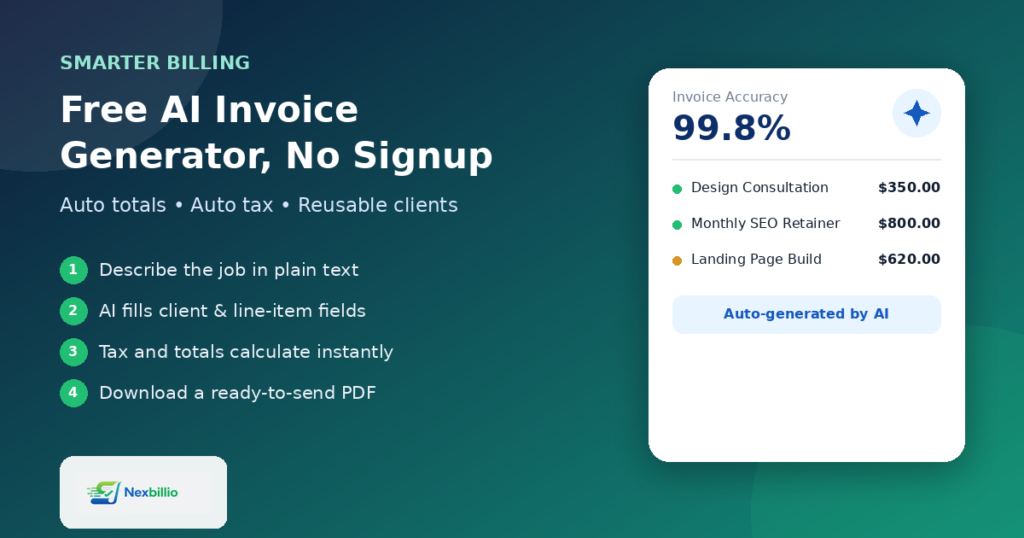
NexBillio was built around that exact idea: the AI should be doing the boring parts, not adding a layer on top of them. It works as a free ai invoice generator online, with no signup required to create and download a finished invoice.
In practice, that looks like:
- Describing the work in a sentence or two and getting a formatted invoice back, instead of manually filling every field
- Automatic totals and tax calculations, so nothing needs to be checked by hand afterward
- Clean, professional invoice templates that don’t need extra formatting once they’re generated
- No hidden cap that turns “free” into “free until you actually need it”
It’s a small tool solving a small but constant problem — the goal isn’t to reinvent invoicing, just to remove the parts of it that were never worth anyone’s time in the first place.
The Real Test
Before trusting any tool labeled as an AI invoice generator, try this: describe one real invoice you need to send, and time how long it takes from start to finished PDF. If it’s genuinely faster than typing it out manually — and the result still looks right — the AI is earning its place. If it isn’t, it’s just a label.