
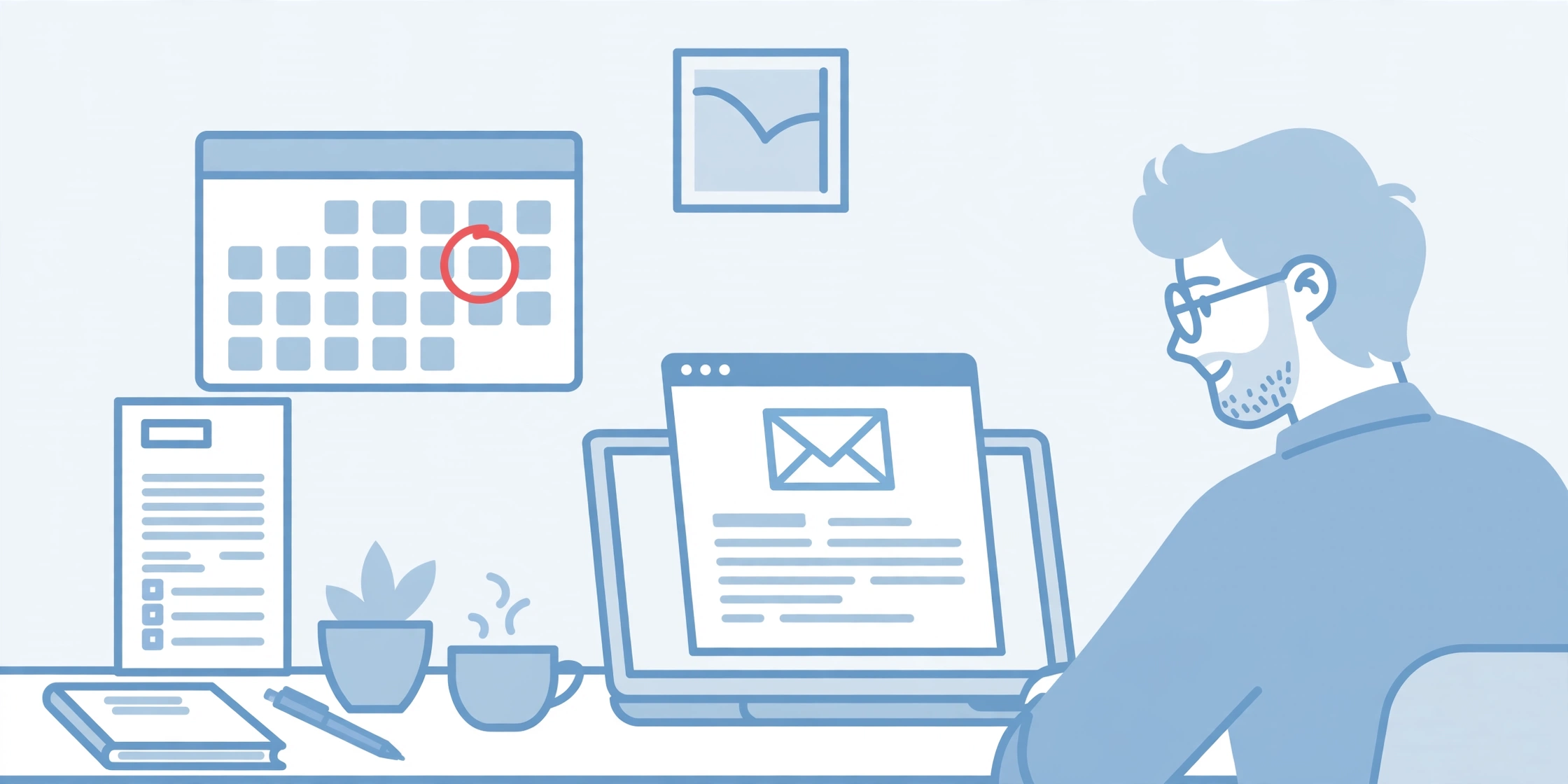
Late payments are one of the hardest parts of running a small business. You did the work, sent the invoice, and then… silence. The money does not show up, but your own bills still do.
The good news: most late payers are not bad clients. People get busy, emails get buried, and invoices get forgotten. A short, polite reminder at the right time fixes most of them.
Below you will find a payment reminder email template for every stage — before the due date, on the due date, and after it passes. Just copy one, fill in the parts in [brackets], and send it.
Quick Tips for a Good Payment Reminder
Before you send any invoice reminder email, run through these simple points:
- Use a clear subject line. Put the invoice number in it, like “Invoice #1042 due on Friday.” The client should get it without even opening the email.
- Repeat the key facts. Always include the invoice number, amount, and due date in the body — never make the client dig for them.
- Attach the invoice again. Do not assume they still have it.
- Stay polite, always. You are reminding, not accusing. A friendly tone gets paid faster than an angry one.
- Say how to pay. Add your payment details or a payment link in every reminder.
Small mistakes on the invoice itself — a wrong amount, a missing due date — can also delay payment. We covered the most common ones in our guide to common invoice mistakes, so it is worth a quick read.
Templates to Send Before the Due Date
Gentle nudges that work best with good clients you want to keep happy.
Template 1: 7 Days Before the Due Date
When to use it: a quiet heads-up, one week out.
Subject: Friendly reminder: Invoice [Invoice Number] is due on [Due Date]
Hi [Client Name],
Just a quick note: invoice [Invoice Number] for [Amount], for [Work Description], is due on [Due Date].
A copy is attached for your records. Questions? Just let me know.
Thanks,
[Your Name]
[Your Business Name]
Template 2: 3 Days Before the Due Date
When to use it: a short, friendly payment reminder email when the date is close.
Subject: Invoice [Invoice Number] due in 3 days
Hi [Client Name],
A quick reminder that invoice [Invoice Number] for [Amount] is due on [Due Date] — three days from now.
The invoice is attached again. You can pay by [Payment Method / Payment Link].
Thank you,
[Your Name]
Template 3: 1 Day Before the Due Date
When to use it: a final nudge the day before. Short and simple.
Subject: Invoice [Invoice Number] is due tomorrow
Hi [Client Name],
Just a quick note that invoice [Invoice Number] for [Amount] is due tomorrow, [Due Date].
If payment is already on its way, please ignore this message — and thank you.
Best regards,
[Your Name]
Templates to Send on the Due Date
Keep the tone warm — the client still has the whole day to pay.
Template 4: Due Today
When to use it: on the morning of the due date itself.
Subject: Invoice [Invoice Number] is due today
Hi [Client Name],
This is a reminder that invoice [Invoice Number] for [Amount] is due today, [Due Date].
The invoice is attached again. Payment details: [Payment Method / Payment Link].
Thank you for your business,
[Your Name]
[Your Business Name]
Template 5: Due Today — Short and Friendly
When to use it: for clients you know well. Keep it light.
Subject: Quick note: Invoice [Invoice Number] due today
Hi [Client Name],
Just popping into your inbox: invoice [Invoice Number] for [Amount] is due today.
Everything you need is in the attached invoice. Thanks a lot!
[Your Name]
Templates to Send After the Due Date
Stay calm and professional, but get a little firmer with each step.
Template 6: 1 Day Late — Gentle
When to use it: the day after the due date. Assume it was forgotten.
Subject: Invoice [Invoice Number] was due yesterday
Hi [Client Name],
Invoice [Invoice Number] for [Amount] was due on [Due Date], and I have not seen the payment yet.
It may already be on its way — if so, thank you, and please ignore this note. If not, the invoice is attached again for you.
Thanks,
[Your Name]
Template 7: 7 Days Late — Firmer
When to use it: one week overdue with no reply. Clear, direct, still polite.
Subject: Invoice [Invoice Number] is now 7 days overdue
Hi [Client Name],
I am following up on invoice [Invoice Number] for [Amount], due on [Due Date]. It is now one week overdue, and I have not received payment or a reply to my last email.
Please pay this week, or tell me when payment will be made. If something is wrong with the invoice, let me know so we can fix it.
Optional, only if your terms include it: A late fee of [Late Fee] applies to overdue invoices, per our agreement.
Thank you,
[Your Name]
[Your Business Name]
Template 8: 14 Days Late — Serious
When to use it: two weeks overdue. Short and firm.
Subject: Second reminder: Invoice [Invoice Number] is 14 days overdue
Hi [Client Name],
Invoice [Invoice Number] for [Amount], due on [Due Date], is now 14 days overdue. I have sent two reminders and have not heard back.
Please arrange payment by [New Date]. If payment is not received, I may need to pause any ongoing work until the balance is cleared.
If you have already paid, please send the proof so I can check.
Regards,
[Your Name]
Template 9: 30+ Days Late — Final Notice
When to use it: a month or more overdue. Your last email before stronger action.
Subject: Final notice: Invoice [Invoice Number] still unpaid
Hi [Client Name],
Despite several reminders, invoice [Invoice Number] for [Amount], due on [Due Date], is still unpaid — now more than 30 days overdue.
Please pay the full amount by [Final Date]. If I do not receive payment or hear from you by then, I will have to look at other options to recover the money.
I would much rather solve this between us, so please contact me today.
[Your Name]
[Your Business Name]
What to Do If They Still Don’t Pay
If a client ignores every reminder, work through these steps in order:
- Call them. Emails are easy to ignore; a calm call is not. Often the invoice just went to the wrong person.
- Stop new work. Do not keep delivering while old bills pile up.
- Offer a payment plan. Two or three smaller payments beat none at all. Put the plan in writing.
- Send a formal letter. A written final demand carries more weight than another email.
- Get advice. For larger amounts, a lawyer or collection service may be worth it — check your local rules first.
And when the money does arrive, send a receipt the same day. If you are unsure how that document differs from the bill you sent, our guide on invoice vs receipt explains it in plain words.

Frequently Asked Questions
How many reminders should I send before the due date?
One or two is enough. A note about a week before, and maybe one the day before, keeps you in mind without annoying them.
What should a payment reminder email template always include?
Five things: the invoice number, the amount, the due date, a copy of the invoice attached, and a clear way to pay. Miss one, and the client has a reason to delay.
Can I charge a late fee?
Only if the client agreed to it before the work started — in a contract, quote, or your payment terms. Check your local rules if you are unsure.
Should I keep working for a client who has not paid?
A day or two late, most people carry on. But weeks overdue with no reply? Pausing new work until you are paid is normal and fair.
Final Words
You do not need to be pushy to get paid on time — just clear, polite, and steady. Pick the payment reminder email template that matches where things stand, fill in the details, and send it today.
And when it is time to bill the next job, create a free invoice with NexBillio. It takes less than a minute, looks professional, and costs nothing — no sign-up needed.
1 thought on “9 Payment Reminder Email Templates (Before Due, Due Date & Overdue) — Copy & Paste”