
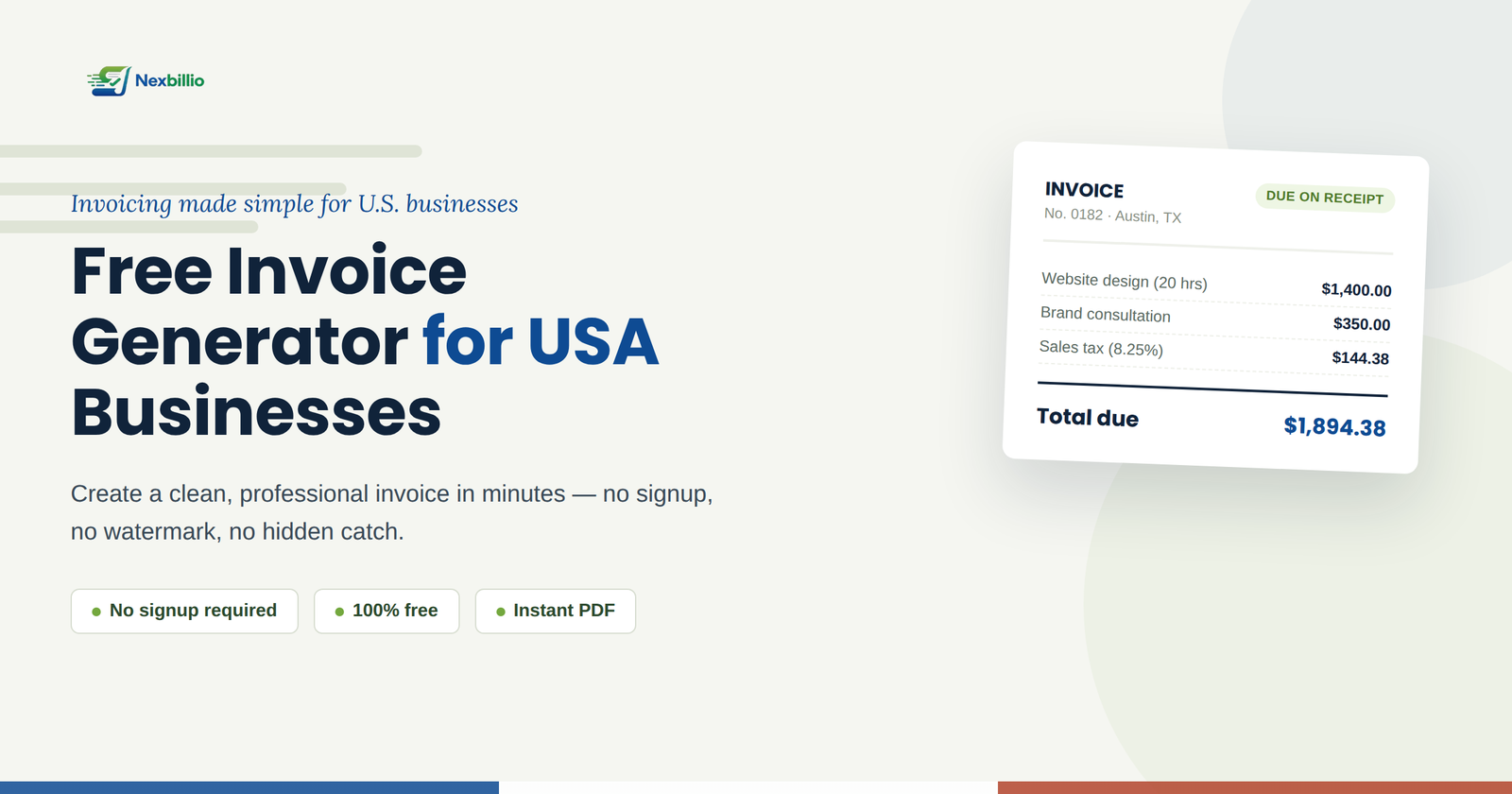
If you run a small business, freelance, or manage contract work anywhere in the United States, chances are you’ve typed “invoice generator USA” into Google at least once — usually at 11 PM, right before a deadline, when you just need a clean invoice out the door. You’re not alone. Millions of freelancers, consultants, and small business owners across the US skip expensive accounting software entirely and rely on a simple online invoice generator to get paid.
This guide walks through exactly what a good invoice generator should do, what most free tools get wrong, and how to create an invoice that actually looks like it came from a real business — not a template someone downloaded five minutes ago.
What Is an Invoice Generator, and Why Do US Businesses Need One?
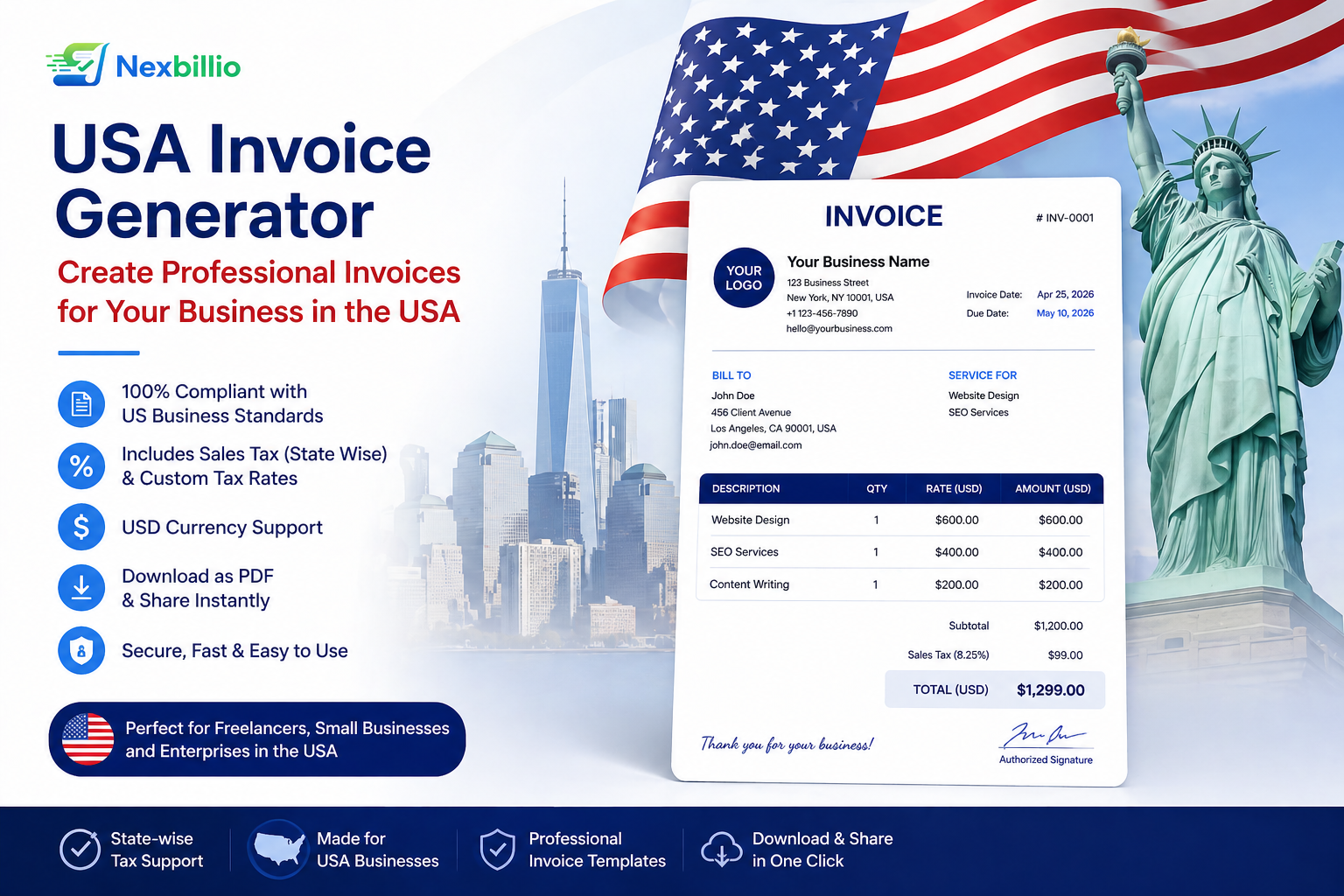
An invoice generator is a web-based tool that lets you fill in your business details, your client’s information, and your line items, then instantly produces a clean, downloadable invoice — usually as a PDF. Unlike full invoicing software, there’s no account setup, no monthly subscription, and no learning curve.
For most small businesses in the US, this is exactly what’s needed. You’re not running a 50-person accounting department. You’re a freelance designer, a landscaping crew, a consultant, or a small agency that needs to bill a client and move on with your day. A dedicated invoice maker gets that done without the overhead of full-blown accounting platforms.
Here’s where it actually matters:
- Freelancers and independent contractors who bill multiple clients and need a professional-looking invoice every time, not a Word document that looks different each month.
- Small businesses and startups that want to look established from day one, even before they’ve invested in accounting software.
- Service providers — think consultants, tutors, photographers, contractors — who need to itemize hours, materials, or deliverables clearly.
- E-commerce sellers and side-hustlers who need a quick, tax-compliant paper trail for every sale.
What Actually Makes a Good Invoice Generator
Here’s the part most “best invoice generator” roundups skip: a lot of tools that show up in search results for “free invoice generator USA” aren’t really free. You fill in your details, click download, and then get hit with a watermark across the page, a five-invoice limit, or a wall asking you to create an account and hand over a credit card before you can export anything.
That’s frustrating when all you wanted was a PDF for a $200 job.
A genuinely useful invoice generator should give you:
- A real free tier — not a trial disguised as free, with a countdown clock hidden in the fine print.
- No watermark on your PDF. Nothing kills a professional invoice faster than a giant diagonal logo across the middle of it.
- Automatic tax and total calculations, including sales tax where it applies, so you’re not doing mental math before sending a bill.
- Multiple currency support, useful if you occasionally bill international clients in USD alongside other currencies.
- A clean, print-ready PDF layout that looks the same on screen as it does once downloaded.
- No mandatory signup just to generate a single invoice.
This is exactly the gap NexBillio was built to close. It’s a genuinely free online invoice generator for the US market — no account required to create an invoice, no watermark stapled onto your work, and no artificial cap on how many invoices you can send in a month. You fill in the fields, the totals calculate themselves, and you download a polished PDF that looks like it came from an established business, not a free trial.
How to Create an Invoice in the USA (Step by Step)
Whether you use NexBillio or any other online invoice generator, the actual process is nearly identical. Here’s how to do it properly.
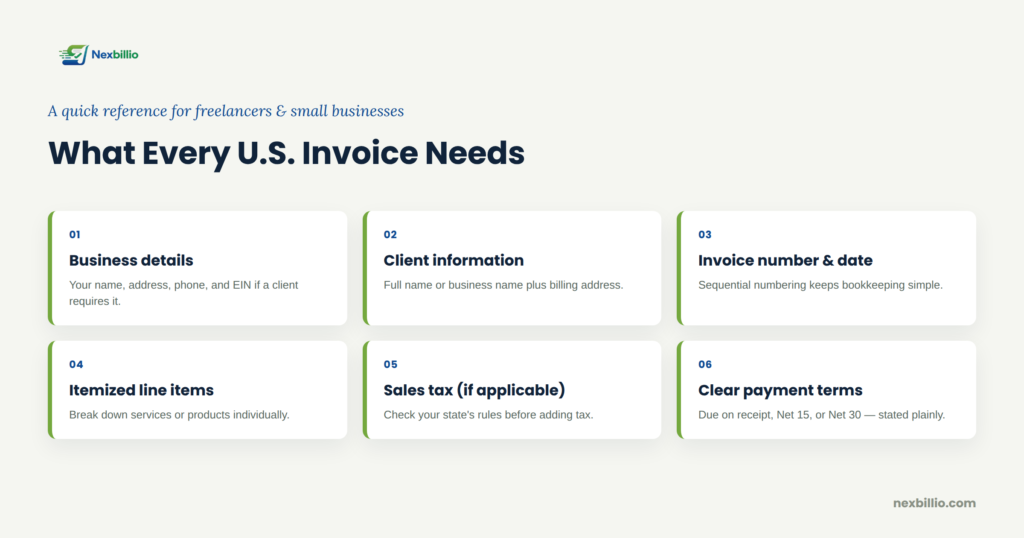
- Add your business details. Your business name, address, phone number, and email. If you’re operating as an LLC or sole proprietorship, this is also where you’d add your EIN if your client requires it for their records.
- Add your client’s information. Full name or business name, billing address, and contact details.
- Assign an invoice number and date. Sequential invoice numbers matter more than people realize — they make your bookkeeping (and your accountant’s life) much easier at tax time.
- List your line items. Break down services or products individually rather than lumping everything into one flat fee. Clients trust itemized invoices more, and it gives you a paper trail if a dispute ever comes up.
- Apply sales tax if applicable. Not every service is taxable in every state, so check your state’s Department of Revenue guidelines if you’re unsure whether your work is subject to sales tax.
- Set clear payment terms. “Due on receipt,” “Net 15,” or “Net 30” — whatever you choose, put it in writing on the invoice itself, not just in a follow-up email.
- Download and send. Export as a PDF and email it directly, or attach it to whatever platform your client uses to pay you.
Common Invoicing Mistakes That Delay Payment
A surprising number of late payments in the US aren’t because clients are difficult — they’re because the invoice itself was unclear. A few things to watch for:
- Missing payment terms. If you don’t state when payment is due, don’t be surprised when it arrives whenever the client feels like it.
- No invoice number. This makes it nearly impossible to track which invoice a payment corresponds to, especially once you’re juggling more than a handful of clients.
- Vague line items. “Consulting services — $1,200” tells a client nothing. Break it down by hours, deliverables, or milestones.
- No accepted payment methods listed. If a client has to email you asking how to pay, you’ve already added a delay you didn’t need.
Why a Simple Tool Beats Complicated Software (Most of the Time)
Full accounting platforms are great once your business hits a certain scale — when you’re managing payroll, recurring billing for dozens of clients, and multi-user access. But for most freelancers and small businesses, that’s overkill. You end up paying a monthly fee for features you’ll never touch, just to get access to something as basic as a clean invoice template.
An online invoice maker like NexBillio sits in the sweet spot: fast enough to use between client calls, professional enough to send to a Fortune 500 procurement department, and free enough that it doesn’t eat into your margins on a small job. When your business grows and you genuinely need recurring billing, client portals, or integrated bookkeeping, that’s the point to graduate to full software — not before.
Final Thoughts
Getting paid on time starts with sending a clear, professional invoice the first time — not chasing clients for clarifications after the fact. Whether you’re a freelancer sending your first invoice or a small business owner who’s tired of watermarked PDFs, a genuinely free, no-signup invoice generator built for the US market removes one more piece of friction between finishing the work and getting paid for it.
Create your next invoice in under two minutes with NexBillio’s free invoice generator — no account, no watermark, no hidden catch.