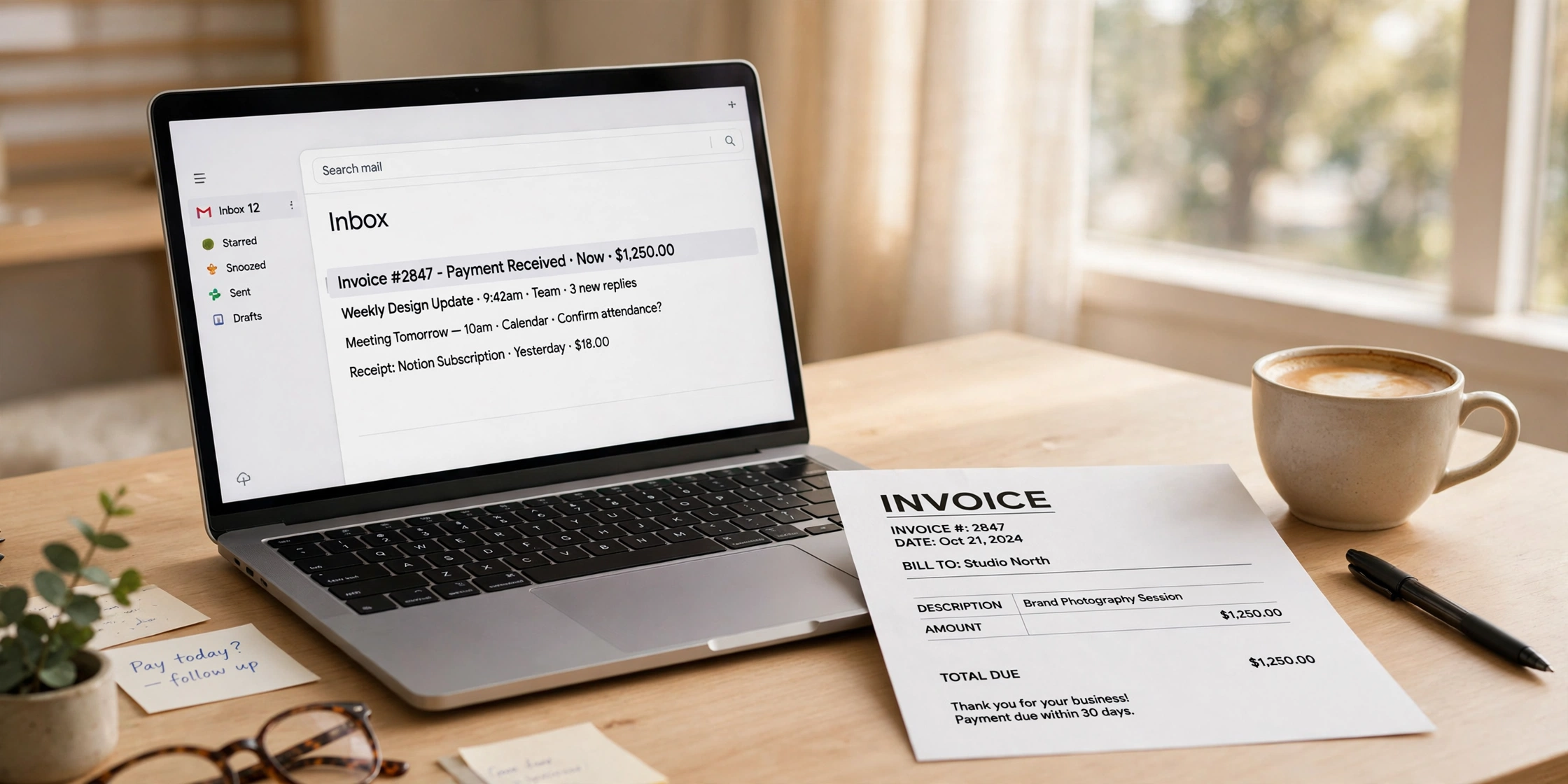
You finished the work. You made the invoice. Now you have to send it — and this is where a lot of freelancers and small businesses lose money, simply because they never learned how to send an invoice by email properly.
An invoice sent the wrong way gets ignored. It lands in spam, goes to the wrong person, or has no clear due date, so the client files it under “later” and later never comes. None of that is the client’s fault. It is the email’s fault. This guide shows you exactly how to send an invoice by email: what to write, when to send it, whether to attach a PDF or send a link, and gives you four copy-paste templates for every situation.
Why Email Is the Best Way to Send an Invoice
Email is still the default way invoices travel. It is fast, it costs nothing, and it leaves a paper trail — you can prove exactly when you sent it, what you sent, and who received it. If a client ever says “I never got it”, your sent folder answers that in seconds.
The one thing email does badly is getting attention. Inboxes are crowded. So the email around the invoice matters as much as the invoice itself: a clear subject line, a short polite message, and a clean PDF attachment are what get you paid on time.
What to Include Before You Hit Send
Before you write a single word of the email, check the invoice itself. Most “unpaid invoice” problems start here, not in the email.
First, make sure the invoice has everything a client needs to pay you: your business name and contact details, the client’s name and address, a unique invoice number, the date, a clear due date, what you did with prices, the total amount, and how to pay. If any of these are missing, the client has a reason to delay — and they will use it. If you are not sure what belongs on an invoice, read our guide on invoice format first.
Second, check the email address. Send the invoice to the person who approves payments, not just the person you worked with. Ask: “Who should I send the invoice to for payment?” One question now saves two weeks of chasing later. If they give you a generic address like accounts@company.com, use it, and copy your contact.
Third, state the payment terms in both places — on the invoice and in the email. “Due in 14 days” is clear. “Due soon” is not. If you agreed Net 30, write “Payment due within 30 days (by 8 December 2026)”. A date beats a number of days. If you have never set payment terms before, our guide on payment terms explains Net 30, Net 15, and due on receipt in plain language.
Fourth, save the invoice as a PDF. A PDF looks the same on every device, cannot be edited by accident, and prints cleanly. Never send a Word document or a spreadsheet — the client can change it, and the formatting often breaks. Most invoice tools, including our free invoice generator, let you download the invoice as a PDF in one click. If you invoice across borders, follow the official invoicing guidance for your country — tax rules and required fields differ.
How to Send an Invoice by Email: 5 Steps
Sending the invoice takes five minutes when you have a routine:
Step 1: Create the invoice and save it as a PDF. Use a clear file name, not “invoice.pdf” — something like “Invoice-1042-Smith-Design-Nov-2026.pdf”.
Step 2: Write a clear subject line. Put the word “Invoice” first, then the invoice number, your business name, and the amount — for example: “Invoice #1042 — Maya Chen Design — $1,269.45 due Dec 8”. Never use a vague subject like “Hi” or “Documents attached” — those look like spam, and spam is where they end up.
Step 3: Write a short message. Three or four sentences are enough: hello, what the invoice is for, the amount and the due date, and how to pay. The templates below give you the exact words.
Step 4: Attach the PDF and double-check it. Open the attachment from your own sent email to confirm it is the right file and it opens correctly. Ten seconds now catches the classic mistake: attaching last month’s invoice, or the wrong client’s invoice.
Step 5: Send it at the right time, and note the date. Send invoices during business hours, ideally Tuesday to Thursday morning. An invoice sent at 11 pm on a Friday sits unread until Monday. After sending, note the date and the due date — a spreadsheet or a calendar reminder.
The 4 Templates (Copy, Paste, Send)
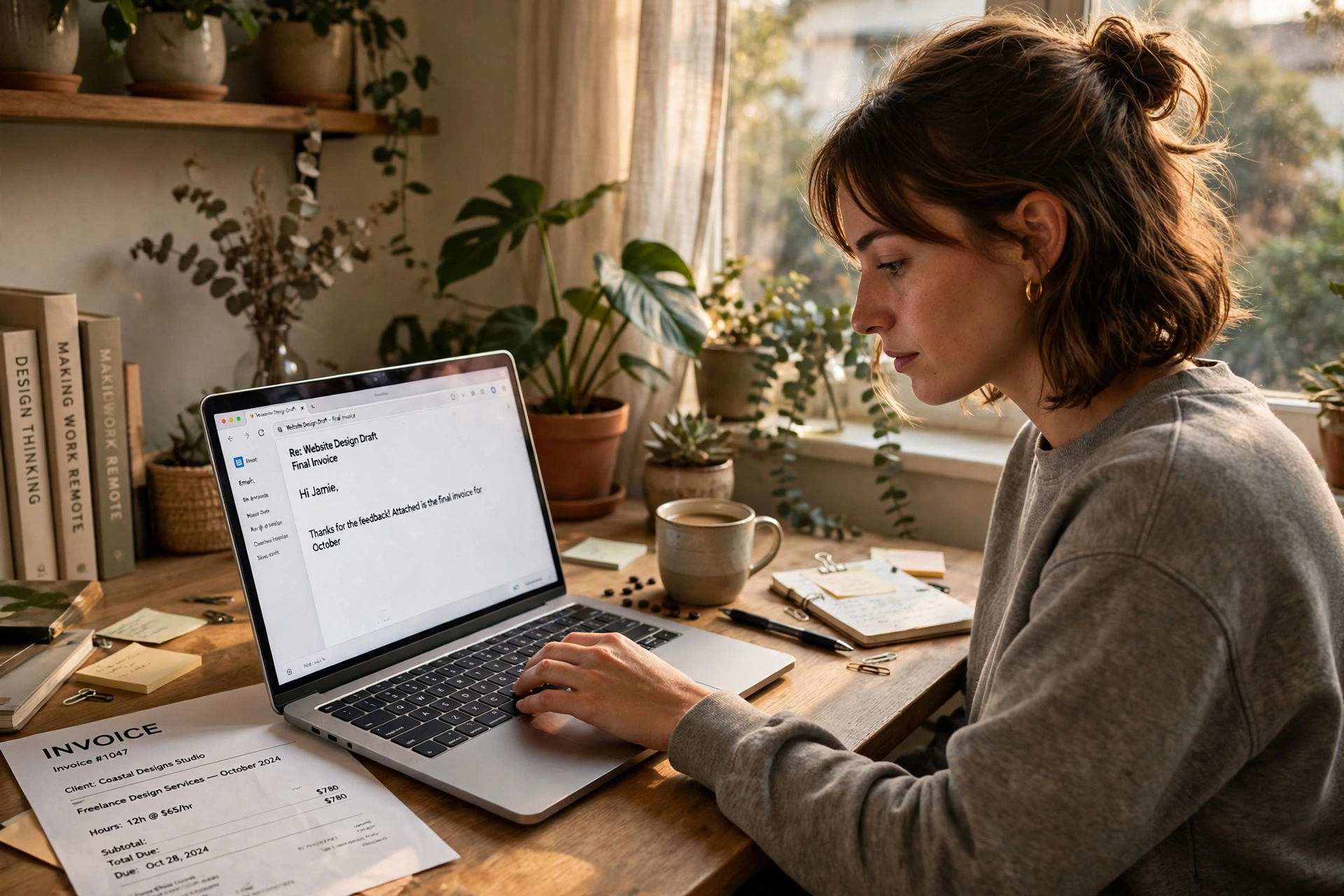
These four templates cover every situation. Replace the bracketed parts with your own details and send. Keep the tone polite in all four — even the final notice. A polite email gets paid faster than an angry one.
Template 1: First Invoice (Friendly and Professional)
Use this for a first invoice, or a new project with an existing client.
Subject: Invoice #1042 — Maya Chen Design — $1,269.45 due Dec 8
Hi Sarah,
Thank you for a great project — I hope you are happy with the new website.
Please find attached invoice #1042 for $1,269.45, covering the homepage redesign and three blog graphics. Payment is due by 8 December 2026. You can pay by bank transfer using the details on the invoice.
Please let me know if you have any questions about the invoice.
Best regards,
Alex
Why it works: thanks the client, names the work, and gives amount, due date, and payment method in one paragraph.
Template 2: Friendly Reminder (Due Date Near)
Send this two or three days before the due date if you have not heard anything. A nudge, not a complaint.
Subject: Friendly reminder: Invoice #1042 due Dec 8
Hi Sarah,
Just a quick note that invoice #1042 for $1,269.45 is due on 8 December 2026. I have attached it again here in case it got buried.
No worries if it is already on its way — just let me know.
Best regards,
Alex
Why it works: it assumes the client is busy, not avoiding you, and re-attaches the invoice. For more reminder wording, our payment reminder email templates have nine ready-to-use versions.
Template 3: Overdue Invoice (Firm but Polite)
Send this one to three days after the due date. Firmer, but still professional.
Subject: Overdue: Invoice #1042 — $1,269.45 — please pay by Dec 15
Hi Sarah,
I hope you are well. Invoice #1042 for $1,269.45 was due on 8 December 2026 and I have not received payment yet.
Could you please let me know when I can expect it? If payment is already on its way, please ignore this message. I have attached the invoice again for convenience.
Thank you,
Alex
Why it works: it states the facts, gives a new date, and lets the client say so if they already paid. Most overdue invoices get paid at this stage.
Template 4: Final Notice (Last Step Before Escalation)
Send this when an invoice is two to four weeks overdue and earlier reminders got no reply. Short and serious — and mean it.
Subject: Final notice: Invoice #1042 — $1,269.45 overdue since Dec 8
Hi Sarah,
This is a final notice for invoice #1042 for $1,269.45, which was due on 8 December 2026 and is now 21 days overdue.
Please arrange payment by 22 December 2026. If I do not hear from you by then, I will need to take further steps to recover the amount.
I have attached the invoice again. Please contact me straight away if there is a problem with it.
Regards,
Alex
Why it works: it names the exact number of overdue days, sets a hard deadline, and says plainly what happens next — without threats or insults. If this still gets no reply, our guide on how to chase an unpaid invoice walks through the next steps.
Subject Lines That Get Opened
The subject line has one job: tell the client this is an invoice, how much it is, and when it is due — before they even open the email.
| Weak subject line | Strong subject line |
|---|---|
| Hi | Invoice #1042 — Maya Chen Design — $1,269.45 due Dec 8 |
| Documents attached | Invoice #1042 for website redesign — $1,269.45 |
| Invoice | Invoice #1042 — $1,269.45 — payment due Dec 8 |
| Following up | Friendly reminder: Invoice #1042 due Dec 8 |
| Payment | Overdue: Invoice #1042 — $1,269.45 — please pay by Dec 15 |
The pattern is simple: “Invoice” + invoice number + amount + due date. One more rule: never put “urgent” in a first invoice. It trains the client to ignore the word when it actually matters.
PDF Attachment or Payment Link — Which Is Better?
You have two ways to deliver the invoice by email: attach a PDF, or send a link to an online invoice or payment page.
| PDF attachment | Payment link | |
|---|---|---|
| Best for | Most clients, especially businesses with an accounts team | Clients who pay by card and want one click |
| What the client gets | A fixed document they can save, print, and file | A web page they open in a browser |
| Payment speed | Client reads the invoice, then pays by bank transfer | Faster — the client can pay on the same page |
| Risks | Can land in spam if the file is large; can be attached wrong | Some clients distrust links; link can expire |
| Record keeping | Easy — the PDF is the record | Depends on the tool keeping the page live |
For most freelancers and small businesses, the PDF attachment is the safer default. It works for every client, and the client always has a copy. Add a payment link inside the email as well if you have one. One caution: never send an invoice as a link alone if the link expires — a client who opens it a month later and finds a dead page will simply forget.
When to Send the Invoice (and When to Follow Up)
Send the invoice as soon as the work is done — or on the day you agreed. Waiting a week tells the client the money is not urgent, and they will treat it that way. Same-day invoicing is the single easiest way to get paid faster. Then follow this schedule:
- Day 0: Send the invoice (Template 1).
- 3 days before the due date: Send the friendly reminder (Template 2) if you have heard nothing.
- 1 day after the due date: Send the overdue email (Template 3).
- 7 days overdue: Phone call. A short call solves more than three emails.
- 14–21 days overdue: Final notice (Template 4).
- 30 days overdue: Escalate — formal demand letter, then the next steps in our unpaid-invoice guide.
Write these dates down the day you send the invoice. If you wait until you “remember” to follow up, you will remember a month too late.
Common Mistakes (and How to Fix Them)
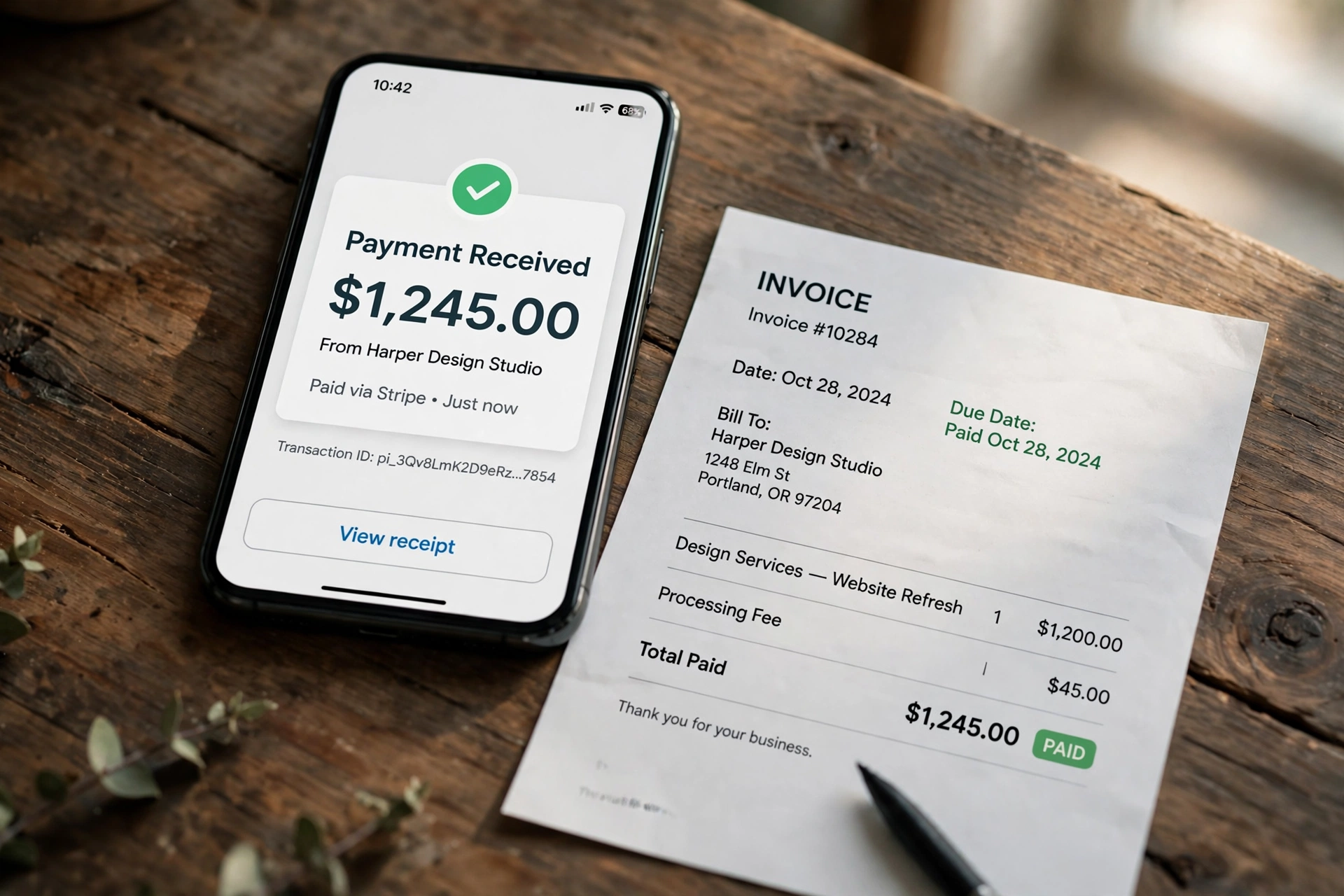
Mistake 1: Sending the invoice to the wrong person. The fix: ask who handles payments before you send. One sentence — “Who should I send invoices to?” — prevents weeks of delay.
Mistake 2: No due date on the invoice or in the email. The fix: always write a real date, not “due on receipt” or “ASAP”. A date is a deadline. “ASAP” is permission to wait.
Mistake 3: A vague subject line. The fix: invoice number, amount, and due date in the subject, every time.
Mistake 4: Attaching the wrong file. The fix: open the attachment from your sent email before you move on.
Mistake 5: Sending a Word document instead of a PDF. The fix: always export to PDF. Word files can be edited, and their layout breaks on other computers.
Frequently Asked Questions
Should I send an invoice by email or post?
Email, in almost every case. It is faster, free, and you have proof of sending. Post only makes sense if the client specifically asks for a paper invoice.
What should I write in the email when sending an invoice?
Three things: what the invoice is for, the total amount, and the due date. Add how to pay, keep it to three or four sentences, and attach the PDF.
Is it okay to send an invoice as a PDF?
Yes — a PDF is the standard. It looks the same everywhere, cannot be edited by accident, and prints cleanly. Name the file with the invoice number and the client name, so it is easy to find later.
How long should I wait before chasing an unpaid invoice?
Send a friendly reminder two or three days before the due date. If the due date passes, chase the next day — politely at first. Most late payments are forgetfulness, not refusal. Waiting weeks only teaches the client that your deadlines are flexible.
Can I send an invoice by email without a business?
Yes. You do not need a registered company to send an invoice — you need your name, your contact details, and a clear description of the work and the amount. Many freelancers invoice as individuals. If you charge tax, check your local rules first.
Make Your Next Invoice in Seconds
Sending invoices by email is a skill, but making the invoice should not be a chore. If you are still building invoices by hand, you are spending time you could bill for.
Use our free invoice generator to create a professional invoice in seconds — add your details, your items, and your tax, then download it as a PDF and attach it to your email. No sign-up, no watermark, no cost. Copy one of the templates above, hit send, and put the follow-up date in your calendar. That is the whole system — and it works.
1 thought on “How to Send an Invoice by Email: 4 Copy-Paste Templates + Subject Lines”