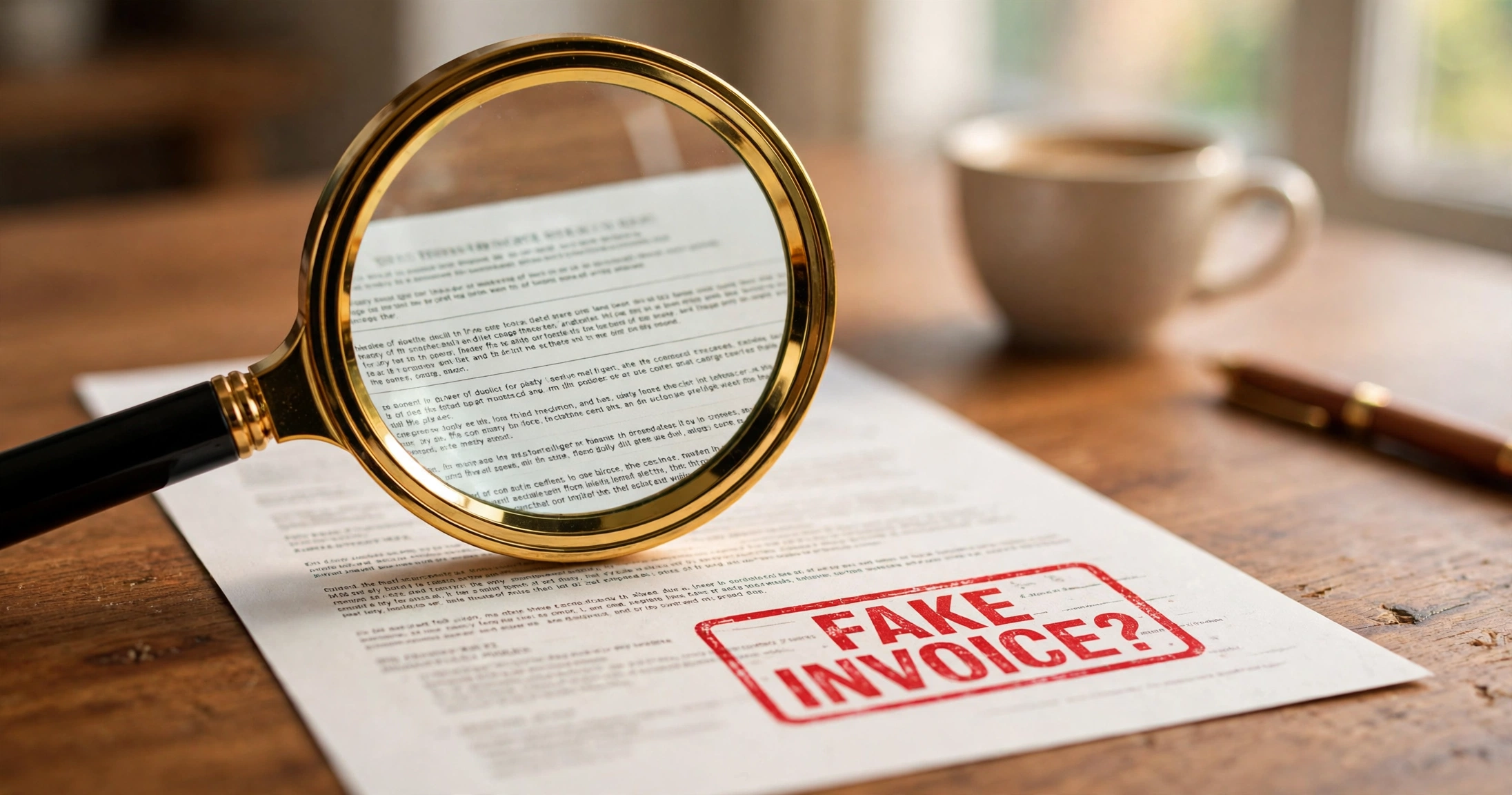
Maya runs a small bakery. One Tuesday morning, an invoice lands in her inbox: $890 for “annual website domain renewal” from a company called WebHost Pro. The invoice looks professional — logo, itemised lines, a due date, bank details at the bottom. There is just one problem: it is a fake invoice scam. Maya has never heard of WebHost Pro, and her domain renews with a different company.
She almost paid it. It was sitting in the same inbox as her real bills, it looked urgent, and $890 felt like the kind of thing you pay quickly and forget. That is exactly how a fake invoice scam works.
A fake invoice scam is simple: a scammer sends you an invoice for something you never ordered, from a company you never dealt with, and hopes you pay it without checking. The FBI’s Internet Crime Complaint Center (IC3) has recorded billions of dollars lost to business email scams like this. Small businesses are the favourite target, because one person often handles the inbox, the bills, and the payments — and nobody double-checks.
The good news: fake invoices are easy to spot once you know what to look for. This guide shows you the seven red flags, the one verification rule that stops almost every fake invoice, and exactly what to do if you already paid one.
What Is a Fake Invoice Scam?
A fake invoice scam happens when someone sends your business a bill for goods or services you never received. The invoice is fake, but the payment details are real — they belong to the scammer.
There are three common versions:
1. The made-up supplier. You get an invoice from a company you have never dealt with, for a service you never ordered — domain renewals, office supplies, directory listings, “business registration” fees. The scammer sends thousands of these and waits for the small percentage of businesses that pay without checking.
2. The lookalike supplier. The invoice comes from a name that looks almost like a real supplier — “Microsft Support” instead of Microsoft, or “Amaz0n Services” instead of Amazon. The logo is copied, the layout is copied, and only the bank details are different. This version is harder to spot and far more dangerous.
3. The hijacked email (business email compromise). A scammer gets into your real supplier’s email — or pretends to be them — and sends a genuine-looking invoice with changed bank details. Everything about the invoice is correct except where the money goes. This is the version that costs businesses the most, because the invoice itself is real and the supplier really did the work.
All three versions rely on the same weakness: someone in a hurry, paying a bill without a two-minute check. The fixes in this guide work against all three.
7 Red Flags of a Fake Invoice
Check any invoice against this list before you pay it. One red flag is a warning. Two or more means stop and verify.
1. You never ordered it. The simplest check of all. Search your inbox and your records for the supplier’s name. If there is no order, no email thread, and no one on your team recognises the name, treat the invoice as fake until proven otherwise.
2. The supplier’s name is slightly wrong. Scammers copy real brands with tiny changes: an extra letter, a swapped letter, a different domain ending. “QuickBooks” becomes “QuickBookz”. “FedEx” becomes “Fed-Ex Logistics”. Read the name letter by letter, not at a glance.
3. The payment details changed. A real supplier suddenly asks you to pay a different bank account, a personal account, or by gift card, wire transfer, or cryptocurrency. Real suppliers almost never change bank details by email alone — and they never ask for gift cards.
4. The invoice is vague. Real invoices name exactly what was supplied: “Website hosting, 12 months, 1 Jan – 31 Dec 2026”. Fake invoices say things like “Services rendered”, “Annual fee”, or “Consulting — as discussed”. Vague wording hides the fact that nothing was ever delivered.
5. Urgency and threats. “Pay within 24 hours or your account will be suspended.” “Final notice — legal action follows.” Real suppliers send reminders, but they do not threaten to shut you down over a first invoice you have never seen. Urgency is the scammer’s favourite tool, because it stops you thinking.
6. The email address does not match. The invoice is from “accounts@microsft-support.com” instead of the supplier’s real domain. Or the sender’s display name says “Amazon” but the actual address is a free Gmail account. Always check the real address behind the display name.
7. The numbers do not add up. Quantities multiplied by prices that do not match the total. A tax rate that is wrong for your country. A round total on an invoice that should have odd cents. Scammers build invoices quickly and often get the maths wrong — the same way a real invoice with wrong totals should make you pause.
Real Invoice vs Fake Invoice
| What to check | A real invoice | A fake invoice |
|---|---|---|
| Supplier | A company you know and have dealt with | A name you do not recognise, or a near-copy of a real brand |
| Order behind it | Matches a real order, contract, or email thread | No order, no thread, nobody on your team ordered it |
| Item descriptions | Specific: what, how many, for how long | Vague: “services”, “annual fee”, “as discussed” |
| Payment details | The same bank account as your last real invoice | A new account, a personal account, gift cards, crypto |
| Contact details | The supplier’s real phone number and domain | A mobile number, a free email address, a lookalike domain |
| Tone | Normal business language, normal due date | Urgent threats, “pay in 24 hours or else” |
| Maths | Quantities × prices = total, tax rate correct | Totals that do not add up, wrong tax rate |
If you are unsure after the table, do the phone-back check below. It settles the question in two minutes.
The Phone-Back Rule (Your Best Defence)
Here is the single rule that stops almost every fake invoice scam: never use the contact details printed on the invoice itself. Look up the supplier’s real number yourself, and call that number.
Step by step:
- Stop. Do not pay, do not reply to the email, and do not click any link in it.
- Find the real number. Go to the supplier’s real website — type the address yourself, do not click a link in the invoice — or find the number on a previous real invoice from the same supplier.
- Call and ask one question. “Did you send me invoice number [X] for $[amount]?” If the supplier says no, you have your answer. If the supplier says yes, ask them to confirm the bank details match their records.
- Check the bank details against your last payment. If you have paid this supplier before, compare the account number with the last real invoice. If it changed, ask the supplier — on the phone, at their real number — whether they changed it.
- Pay only after the call. Two minutes on the phone is cheaper than losing the whole amount.
This rule works because scammers control the invoice, the email address on it, and the phone number on it. They do not control the supplier’s real website or the number you already have in your records. The moment you step outside the invoice’s own contact details, the scam falls apart.
Make it a team rule, not just a personal habit: nobody in your business pays an invoice over a set amount — say $200 — without a phone-back check on any invoice from a new supplier, or any invoice whose bank details changed. Write the rule down. It is the cheapest fraud control a small business can have.
What to Do If You Already Paid
If the money is already gone, act fast. Speed matters more than anything, because banks can sometimes reverse a transfer in the first hours, and almost never after days.
- Call your bank immediately. Tell them you paid a fraudulent invoice. Ask for a recall or reversal of the payment. Give them the invoice, the account you paid into, the amount, and the time. The sooner you call, the better your chances.
- Report it to the FBI’s Internet Crime Complaint Center (IC3). File a complaint at ic3.gov with the invoice, the email, and the payment details. The IC3 is the US centre for this kind of fraud, and your report helps investigators link your case to others.
- Report it locally too. In the US, also report to the Federal Trade Commission at reportfraud.ftc.gov. Outside the US, report to your local police or national fraud centre. Keep the reference numbers.
- Tell the real supplier. If the scammer impersonated a real supplier, warn them — their name is being used, and other customers may be targeted next.
- Check your email for tampering. If the scam came through a hijacked email account, check your sent mail and your email rules for forwarding rules you did not set. Scammers often add a rule that hides their emails from you. Change your email password and turn on two-factor authentication.
- Tell your team. A short message — “We got a fake invoice from X, do not pay anything from them” — stops the same scam hitting a colleague tomorrow.
You may not get the money back. That is the honest truth, and it is why the two-minute check before paying matters so much more than any fix after paying. But reporting still matters: it protects the next business, and it creates the paper trail your bank and insurer will ask for.
Common Mistakes (and How to Fix Them)
| Mistake | Why it hurts | The fix |
|---|---|---|
| Paying invoices the day they arrive | Speed is the scammer’s best friend | Hold every first-time supplier invoice for a phone-back check, even if it says “urgent” |
| One person handles all payments alone | Nobody double-checks | Any invoice over $200 gets a second pair of eyes, or a call to the supplier |
| Trusting the logo and layout | Logos are copied in seconds | Check the sender’s real email domain and the bank details, not the design |
| Using the phone number on the invoice | That number belongs to the scammer | Always look up the supplier’s number yourself |
| Ignoring small invoices | Scammers test with small amounts first | Apply the same checks to a $90 invoice as to a $9,000 one |
| Deleting the fake invoice | You lose the evidence | Keep it, forward it to your bank and the IC3, then delete it from the inbox |
FAQ
1. Can a fake invoice look exactly like a real one?
Yes. Scammers copy real invoices — same layout, same logo, same fonts. The difference is never in the design. It is in the details: a slightly wrong email domain, bank details that changed, or a supplier you never ordered from. That is why you check the details, not the look.
2. What if the invoice is from a real supplier I know?
Then use the phone-back rule anyway. The most expensive version of this scam uses a real supplier’s name and a real invoice, with only the bank details changed. Call the supplier at the number you already have and confirm the bank details before you pay.
3. Is it safe to reply to the invoice email and ask if it is real?
No. Replying tells the scammer your address is active, and the reply goes to the scammer, who will happily confirm their own invoice. Use the supplier’s real contact details from their website or a previous invoice instead.
4. I paid a fake invoice. Will my bank refund me?
Maybe, if you act within hours. Banks can sometimes recall a transfer that has not yet cleared. After the money has been withdrawn, a refund is unlikely. Call your bank first, then report it to the IC3 and your local fraud centre — and keep every reference number.
5. How do I protect my business going forward?
Three habits cover most of it: a phone-back check on any new supplier or changed bank details; a second pair of eyes on any invoice over $200; and two-factor authentication on your email, so scammers cannot hijack your account to send fake invoices in your name. And when you send your own invoices, use a proper invoice generator so your customers can tell your real invoices apart from a fake one — a clean, consistent invoice with your real business details is much harder to imitate badly.
The Short Version
A fake invoice scam works because it looks ordinary and feels urgent. The defence is ordinary too: check whether you ordered it, read the supplier’s name letter by letter, compare the bank details with your last real payment, and — above all — call the supplier at a number you looked up yourself before you pay. Two minutes of checking beats weeks of trying to get the money back.
And if you want your own invoices to be the kind your customers trust at a glance, make them with NexBillio’s free invoice generator — no sign-up, no watermark, and every invoice carries your real business details, so your customers always know it came from you.
Related reading: if a customer owes you money, learn how to chase an unpaid invoice; understand the invoice vs statement difference; find out what a tax invoice is; and send a payment reminder using our email template.
1 thought on “Fake Invoice Scam: How to Spot a Fake Invoice Before You Pay”