
Free Invoice Generator UK – Create HMRC-Compliant VAT Invoices Online
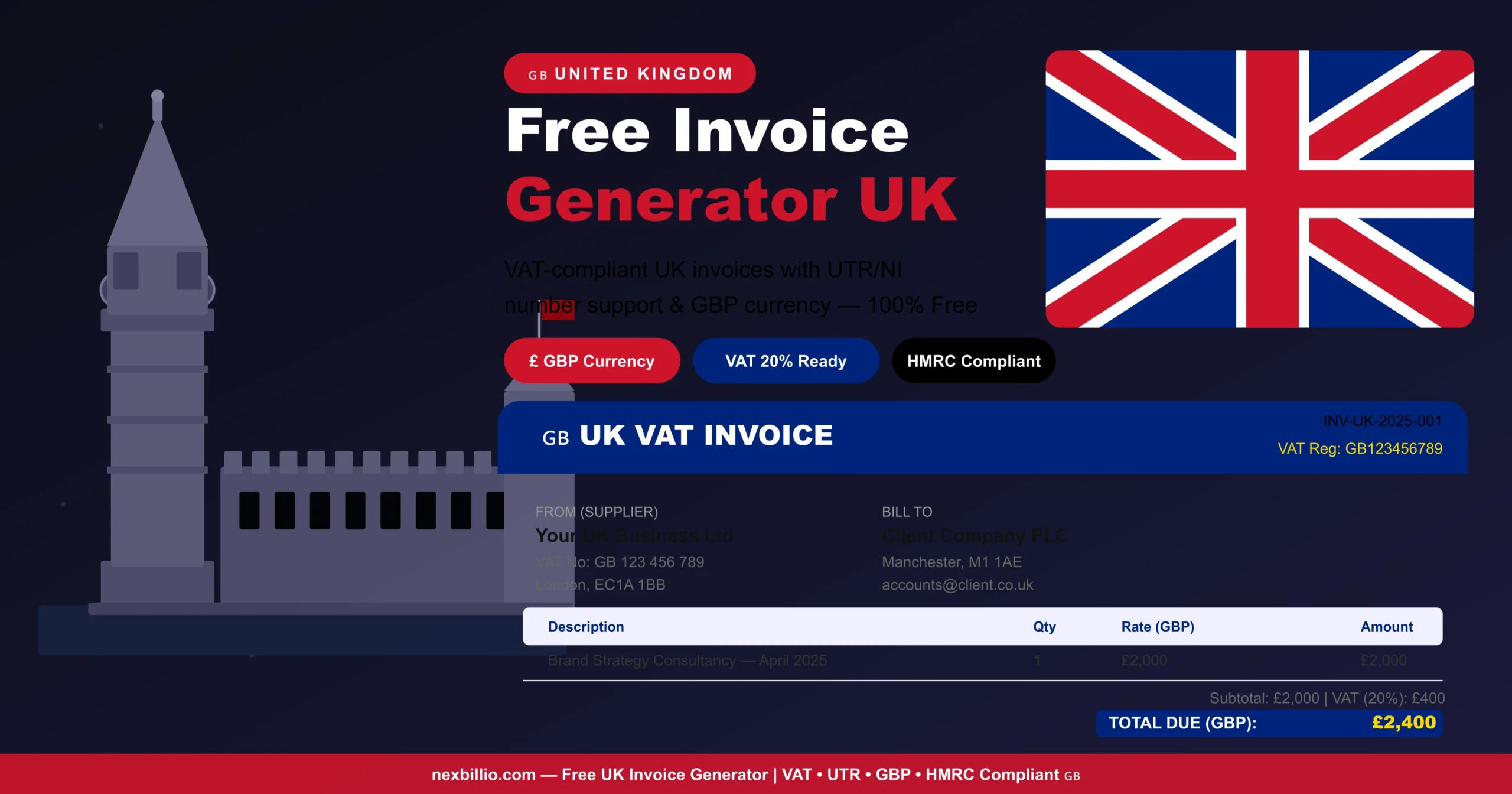
If you run a business in the United Kingdom, sending a professional invoice is not just good practice — in many situations, it is a legal requirement. Whether you are a freelancer billing your first client, a sole trader scaling up, or a limited company managing dozens of accounts, having a reliable way to create invoices quickly and correctly makes a real difference to how you operate and how fast you get paid. A free invoice generator built specifically for UK businesses takes the guesswork out of the process. You get a professional, HMRC-compliant document in minutes — without expensive accounting software, complicated spreadsheets, or hiring a bookkeeper just to handle your billing. This guide covers everything UK businesses need to know: what goes on a legal UK invoice, what makes a VAT invoice different, how to avoid the most common mistakes, and why Nexbillio is the best free invoice generator for UK freelancers and small businesses in 2025 and beyond. What Is an Online Invoice Generator and Why Do UK Businesses Use One? An online invoice generator is a browser-based tool that guides you through creating a professional invoice. You fill in your details, your client’s details, and what you have supplied — the tool handles formatting, calculations, and PDF production automatically. For UK businesses, the appeal is straightforward: Freelancers use it between client calls. Tradespeople use it from their van. Small business owners use it to replace the spreadsheet they have been wrestling with for years. An invoice generator online removes friction from the billing process so you can focus on the actual work. What UK Law Says About Invoices Before creating an invoice, it is worth understanding what HMRC actually requires. The rules differ slightly depending on whether you are VAT-registered or not. Standard UK Invoice Requirements (Non-VAT Registered Businesses) If your business is not registered for VAT — typically because your taxable turnover is below the current £90,000 threshold — you still need to include certain information on every invoice you issue: For sole traders, HMRC requires you to include your full personal name and any trading name you use. For limited companies, you must use the full registered company name as it appears on your certificate of incorporation. VAT Invoice Requirements (VAT-Registered Businesses) Once your taxable turnover exceeds £90,000 in any rolling 12-month period, you must register for VAT. HMRC will issue you a VAT Registration Number (VRN), and from that point, every invoice you send to another VAT-registered business must be a valid VAT invoice. A full VAT invoice must include everything on the standard invoice list, plus: This might sound like a lot, but a good online invoice generator for UK businesses pre-populates the structure for you. You simply fill in the amounts and the tool handles everything else. The Three Types of UK VAT Invoices HMRC recognises three formats of VAT invoice, and it is important to use the right one for the right situation. Full VAT Invoice This is the standard format used for the vast majority of B2B transactions in the UK. It includes all mandatory VAT fields listed above. Use this whenever you are billing another VAT-registered business, regardless of the transaction size. Simplified VAT Invoice For retail supplies where the total amount — including VAT — is under £250, you can issue a simplified invoice. This format requires fewer fields: your business name, VAT number, the date, a description of the supply, the VAT rate, and the total amount including VAT. You do not need to show the net amount or the VAT amount as a separate figure. Modified VAT Invoice For retail supplies totalling over £250, a modified VAT invoice is appropriate. This includes everything in a full VAT invoice, but also displays the total amount inclusive of VAT prominently. Most invoice generators handle this automatically when you enter the correct totals. If you are ever uncertain which type to use, a full VAT invoice is always acceptable. It contains more information than required for simplified transactions, but it will never be rejected as non-compliant. VAT Rates in the UK — What You Need to Know Getting the VAT rate right matters. Applying the wrong rate — even unintentionally — can create problems during an HMRC audit and may result in penalties. The current UK VAT rates are: A quality UK invoice generator like Nexbillio lets you set the VAT rate per line item, so if you are supplying a mix of standard-rated and zero-rated goods on the same invoice, everything is calculated correctly and shown separately as HMRC requires. Making Tax Digital (MTD) and UK Invoicing Since April 2022, all VAT-registered businesses in the UK have been required to follow Making Tax Digital rules. MTD means you must keep digital records and submit your VAT returns using HMRC-approved software — you can no longer file through HMRC’s online portal manually. For most small businesses, this means using accounting software like Xero, QuickBooks, FreeAgent, or Sage — or ensuring that the invoice tools you use integrate with compliant software. Nexbillio supports MTD compliance by producing correctly formatted invoices with all the fields HMRC needs for digital record-keeping. Every invoice you generate through Nexbillio contributes to a clean, auditable billing record that supports your quarterly VAT return. Invoice Numbers in the UK — The Rules HMRC has specific requirements around invoice numbering that many small business owners overlook. Every invoice must have a unique identification number that follows a sequential order with no gaps. This means: Some businesses use date-based formats (INV-2025-001) or client-based prefixes (ACME-001). Either approach is acceptable, as long as each sequence is unique and sequential. Nexbillio handles invoice numbering automatically, so you never have to think about this. How to Create a Free UK Invoice Online — Step by Step Using Nexbillio’s free UK invoice generator, creating and sending a professional invoice takes less than two minutes: The entire process is clean, logical, and takes no training to use. If you can fill … Read more