
You’re drowning in payment administration. Clients ask “Where’s my invoice?” Multiple tools scattered across your computer. Payment tracking is chaos. You need invoicing solved — now.
The good news? Free invoice generators have evolved significantly. What started as basic PDF templates has become sophisticated, professional tools that rival paid software. Many are completely free, require no signup, and get the job done in minutes.
But not all are created equal. Some are overly complicated. Others are too minimal. Some push paid upgrades relentlessly. Finding the right one matters because invoicing isn’t a one-time task — it’s something you’ll do repeatedly. Choose wrong, and you’ll waste time every single week.
We’ve tested the leading free invoice generators and compared them directly. This guide shows you exactly which tool works best for different situations, what you get for free, and where each one excels or falls short.
What to Look for in an Invoice Generator
Before we compare tools, understand what actually matters when choosing an invoice generator.
Ease of use beats everything. If the tool requires a Ph.D. in accounting to operate, you won’t use it. The best invoice generator is one so intuitive that you create an invoice faster than you could write an email. Look for tools with a clean interface, logical flow, and minimal required fields.
No signup required saves time. Some generators let you create invoices instantly without creating an account. Others force signup before you do anything. Free tools that require no signup let you test them immediately. Account-based tools store your history and templates, which is convenient once you commit.
Professional templates matter because appearance affects payment. Research shows professional invoices get paid 20 to 30 percent faster than generic ones. The tool should offer multiple template designs so you can choose one matching your brand.
Customization options let you add your logo, set colors, and include specific information. Basic customization — logo, business name, colors — should be included free. Advanced customization might require paid plans.
Mobile-friendly creation is increasingly important. Can you create invoices from your phone? Can clients view invoices on mobile? Mobile-first design means you can invoice from anywhere, not just your desk.
Export options matter. Can you download as PDF? Could you export to other formats? Can you print directly? Multiple options give you flexibility for different situations.
Payment features vary. Some tools let you collect payment directly through the invoice. Others just create the document. Decide if payment collection is important now or something you’ll add later.
Data security and privacy can’t be overlooked. Where is your data stored? Free tools sometimes sell your data or display ads. Verify privacy policies before trusting sensitive client information.
Support and resources help when you get stuck. Good support saves time and frustration.
Free Invoice Generators Compared Head-to-Head
1. Nexbillio — Best Overall for Simplicity
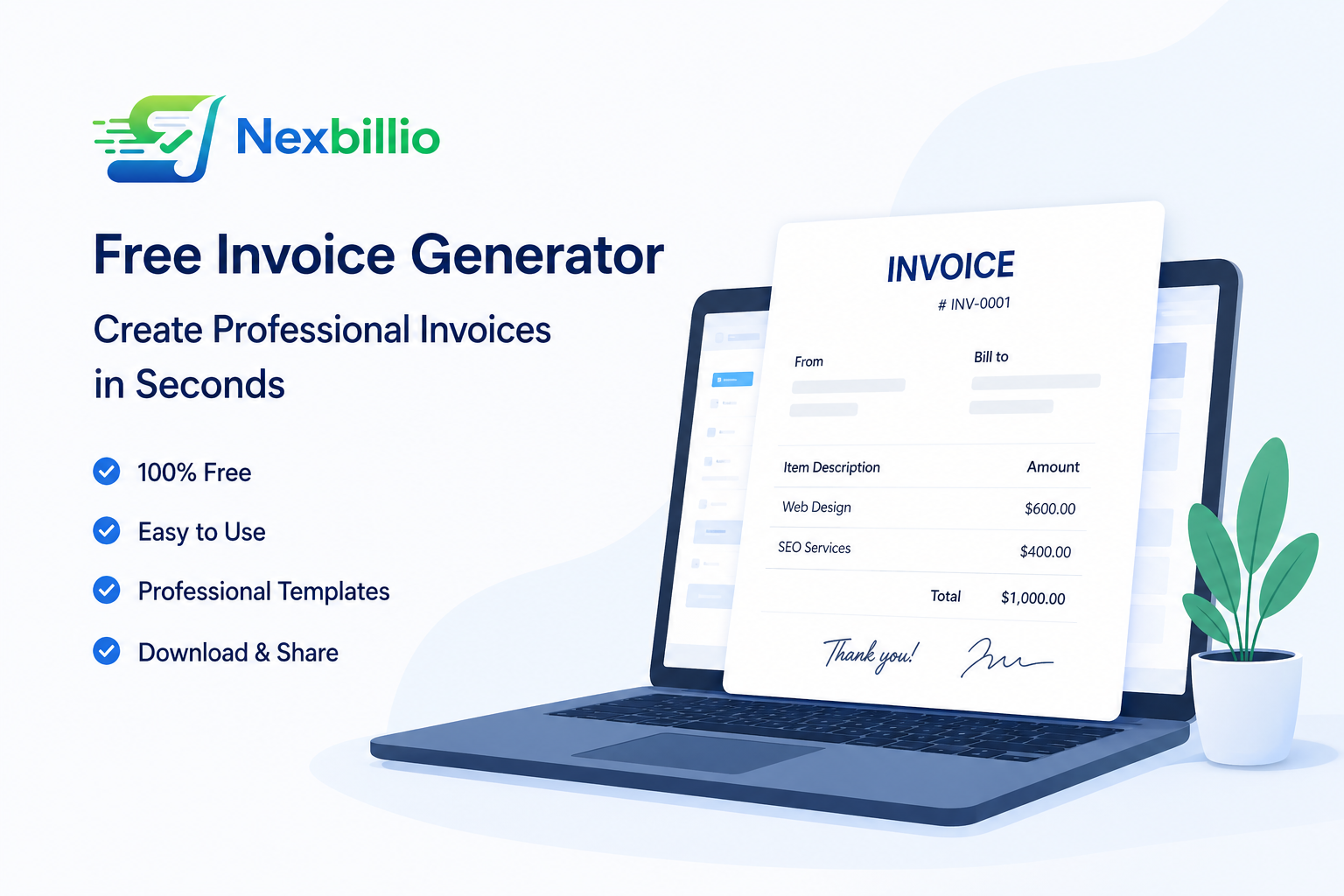
Nexbillio is a browser-based invoice generator designed for simplicity. No desktop software, no installation, works on any device with a browser.
What’s free: Unlimited invoice creation, professional templates, PDF download, multiple currencies, tax calculations, and all core features at no cost.
Best for: Freelancers, small businesses, or anyone wanting straightforward invoicing without complexity. Perfect if you want to start immediately without signup.
It works in-browser with zero setup required, offers multiple professional templates to choose from, supports 100-plus currencies, and has a clean minimal interface that won’t confuse beginners. There are no annoying upsells or limitations either.
From landing on the site to downloading your first invoice takes 2 to 3 minutes. No account creation, no confusing options, no bloat.
The limitations: No payment collection built-in, no client portal, no recurring invoice automation. These are paid features or not available. If you need those features, you’d upgrade or switch tools.
For straightforward, fast invoicing, Nexbillio hits the sweet spot. It does one job exceptionally well without trying to be an entire business suite.
2. Zoho Invoice — Best for Full Features
Zoho Invoice is part of Zoho’s business suite. It’s a full-featured invoicing platform with free and paid tiers.
What’s free: Up to 1,000 invoices per year, unlimited clients, basic templates, expense tracking, time tracking, and online payment acceptance. Mobile app access included.
Best for: Growing businesses, businesses that already use Zoho products, or anyone wanting invoicing plus accounting basics. Good if you’re building a business system, not just creating invoices.
The free tier is genuinely powerful. You can accept payments directly through invoices, track time for service-based businesses, automate recurring invoices, give clients a portal to view invoice status, and access over 80 professional templates with multi-language support.
Customization is excellent. You can customize nearly everything — invoice layout, custom fields, branded colors, email templates. You have the control of a paid system, free.
Initial setup takes 10 to 15 minutes since you need to create an account and configure settings. After that, creating invoices is fast.
The limitation is the 1,000 invoice per year cap. If you invoice more than about 83 invoices monthly, you’ll need a paid plan.
3. Invoice Generator — Best for Minimalists
This is a no-frills, browser-based invoice tool. Literally just for creating invoices. Nothing else.
What’s free: Complete invoice creation, PDF download, multiple currency support, unlimited invoices, zero cost, zero signup required.
Best for: Extremely simplified needs — someone who just wants to create a quick invoice without any extra features. Also good for privacy-conscious users since no data is stored.
Zero signup required means instant access. The interface only shows essential fields. It’s extremely lightweight with no tracking or ads, and completely privacy-friendly.
From clicking the link to downloading a complete invoice: 60 to 90 seconds.
The limitations are intentional. No logo upload on the free version, no recurring invoices, no payment collection, no client portal. It’s a one-trick pony, but it does that trick very well.
4. Wave — Best for Integrated Accounting
Wave is a Canadian accounting software platform with free invoicing, accounting, and payment collection.
What’s free: Unlimited invoices, unlimited users, client portal, payment acceptance, expense tracking, basic financial reporting, and mobile apps. Wave takes a small commission on payments — 2.9% plus $0.30 per transaction.
Best for: Businesses that want invoicing plus accounting basics for free with no volume caps.
There are truly no limits on how many invoices you create. The accounting features are included free, automatic reminders are built in, and financial reporting gives you real business insights. Wave makes money through payment processing fees, so all the core features remain free.
Customization is good — professional templates, logo upload, color customization. Initial setup takes 5 to 10 minutes, then creating invoices is straightforward.
Wave is impressive because there are no volume limits on the free tier. Create 10 invoices or 10,000 — all free.
5. Google Docs and Google Sheets — Best for Existing Users
Google’s free office suite has extensive free invoice templates available. You create invoices directly in Docs or Sheets.
What’s free: The complete suite is free with a Google account. Unlimited document creation, cloud storage, access from any device.
Best for: People already using Google Workspace. Businesses wanting invoices integrated into their existing workflow.
Since most people already have a Google account, there’s no separate login needed. Cloud-based access means you can work from anywhere. Automatic version history and backup come standard.
Customization is complete. Google Docs is basically a blank canvas — you control everything including colors, fonts, layout, and fields.
The limitation is that creating invoices manually takes more time than dedicated invoice tools. There’s no automatic calculation of totals or tax. Also, the appearance is less polished than professional invoice generators.
If you already live in Google Docs and want minimal additional tools, templates do the job. It’s free, familiar, and flexible.
6. FreshBooks — Best Freemium Option
FreshBooks is a paid invoicing and accounting platform with a limited free tier — up to 20 invoices total.
Best for: Testing before paying, or teams with very light invoicing needs. If you need more than 20 invoices, you must upgrade.
The platform has a professional modern interface, strong payment collection features, client portal, time tracking, expense tracking, and automatic late-payment reminders.
The free tier is essentially a trial. After 20 invoices, you need to pay $15 to $55 per month. It’s not truly free like the others on this list. If free invoicing tools don’t meet your needs after testing, FreshBooks is worth considering for paid plans.
7. Square Invoices — Best for Payment Collection
Square’s invoicing tool is integrated with their payment processing platform. Unlimited invoices, payment collection, automatic reminders, and an online payment portal are all available. Square charges only when you get paid — 2.9% plus $0.30 per transaction.
Best for: Businesses that prioritize getting paid quickly. Especially good if clients prefer to pay by card.
Invoice creation is simple and fast once you’re set up. Recurring invoices, mobile app, and integration with the Square ecosystem are all included. Initial setup requires a Square account, taking about 5 to 10 minutes.
Limited compared to Wave or Zoho for non-payment needs, but if getting paid matters most, Square’s integration is hard to beat.
Choosing Based on Your Situation
If you’re a solopreneur freelancer, use Nexbillio or Invoice Generator. You need fast, simple invoicing with no complexity required. Both are free and take 2 to 3 minutes per invoice.
If you have multiple employees, use Zoho Invoice or Wave. Both support multiple users and recurring invoices. You need something scalable that grows with your team.
If payment collection is critical, use Wave or Square Invoices. Both accept payments directly through invoices, accelerating cash flow significantly.
If you’re already in Google Workspace, use Google Docs templates. No need to learn another tool.
If you want everything built-in, use FreshBooks paid or Zoho free tier. Both offer invoicing, accounting, time tracking, and expense management in one tool.
If you want the best free option overall, use Zoho Invoice or Wave. Zoho caps at 1,000 per year, Wave doesn’t cap. Wave has better accounting. Both beat Nexbillio for features, but Nexbillio is simpler.
Free vs. Paid: When to Upgrade
Free invoicing tools handle most small business needs. You should stay with free until one of these happens.
You exceed volume limits. If you’re creating more than 1,000 invoices per year, you need to upgrade or switch to Wave’s unlimited free tier.
You need advanced customization. Custom fields, conditional text, or white-label invoices require paid plans on most platforms.
Your business model changes. If you move from hourly billing to subscription-based, you need recurring invoices. Most free tiers don’t include this well.
You need full accounting integration. Basic tracking works free, but integrated accounting, profit/loss reporting, and tax prep work better in paid tiers.
You want dedicated support. Free tools offer community support or basic FAQ. Paid plans include email or phone support.
Most solo entrepreneurs and small businesses never need to upgrade. They run profitably on free invoicing forever.
Invoice Generator Best Practices Across All Tools
Regardless of which tool you choose, invoicing best practices remain the same.
Number sequentially. Start at 001, increment by one. This looks professional and tracks easily.
Send within 24 hours of delivery. Don’t wait. Research shows invoices sent same-day get paid 2 to 3 weeks earlier than delayed ones.
Personalize slightly. Add a brief “thanks for the project” or reference specific deliverables. Shows you care, not just processing transactions.
Make payment crystal clear. Don’t bury payment details. Put them prominently with exact instructions.
Follow up after 5 to 7 days. If payment doesn’t arrive by the due date, send a friendly reminder. Most late payments are oversights, not resistance.
Keep records forever. Store copies of every invoice sent. You might need them years later for disputes or audits.
Use consistent formatting. Using the same tool for all invoices means consistent appearance, which builds brand recognition and professionalism.
Your Invoice Generator Questions Answered
Can I use free invoice generators for business invoices?
Absolutely. Free invoice generators create fully legitimate, professional business invoices. There’s nothing “cheap” about them.
Do I need to pay tax on invoices I create?
No. An invoice is simply a document requesting payment. You pay taxes on income once it’s received, not on invoice creation.
Can I customize invoice numbers to start at a different number?
Most tools let you set the starting number. This is useful if you’re switching tools — you can continue your existing numbering sequence.
What if I need a receipt instead of an invoice?
Invoices are sent before payment, requesting payment. Receipts are sent after payment, confirming it. Some tools generate both.
Can multiple people use the same free invoice account?
Depends on the tool. Zoho and Wave allow multiple users on free plans. Nexbillio and Invoice Generator are single-user.
Is it legal to send PDF invoices via email?
Yes, completely legal. Email invoices are standard business practice. Just confirm delivery and keep copies on your end.
Can I generate invoices from my phone?
Tools with mobile apps like Zoho, Wave, and Square let you create invoices on phones. Browser-based tools like Nexbillio and Invoice Generator work on mobile browsers but may have slight usability differences.
Making the Final Decision
Your invoice generator choice isn’t permanent. You can switch tools later if needs change. Start with the one that matches your current situation.
Pick simplicity if you’re just starting. Nexbillio or Invoice Generator are hard to regret. They’re fast, free, and work great.
Pick power if you’re building a system. Zoho Invoice or Wave are worth the account setup because you’ll use the features repeatedly.
Don’t overthink it. Any of these tools are infinitely better than invoicing manually or through email. Get started, build the habit, refine later.