
Your biggest frustration probably isn’t actually invoicing. It’s getting paid.
You finish a project. You send an invoice. Then you wait. And wait. Two weeks pass. You send a reminder. Another week. Finally, payment arrives. You just lost 20-plus days of cash flow because of administrative friction.
For freelancers and small business owners, cash flow isn’t theoretical. It’s rent, payroll, suppliers, and survival. Getting paid on time isn’t a nice-to-have — it’s essential.
The right invoicing strategy, starting with the right tool and process, can compress this timeline dramatically. Research shows that businesses using professional invoice generators get paid 20 to 30 percent faster than those using informal methods. For a freelancer invoicing $10,000 monthly, 30 percent faster payment means $30,000 additional working capital flowing through your business yearly.
This guide walks through exactly how small businesses and freelancers should think about invoicing, which tools work best, and how to optimize your entire invoicing process for speed and reliability.
Invoice Generators For Freelancers & Businesses
Why Invoicing Directly Impacts Your Business
Invoicing isn’t just administration. It’s a business strategy.
Cash flow is survival. Every day you wait for payment is money you can’t invest in inventory, equipment, or team. Freelancers and small businesses operate on thin margins. Cash delays create stress and limit growth.
Professional invoicing accelerates payment. Studies from the Association for Financial Professionals show professional invoices get paid 23 percent faster than informal ones. The gap between a quality invoice and a sloppy one is 20-plus days of waiting.
Invoicing systems scale automatically. As your business grows, manual invoicing becomes impossible. A system that works for 5 clients breaks at 50 clients. The right tool scales effortlessly.
Documentation protects you legally. Professional invoices create a paper trail. If a client disputes payment, argues about scope, or files bankruptcy, you have documentation proving the work, rates, and terms agreed.
Invoicing data informs business decisions. Organized invoicing reveals which clients pay slowly, which projects are most profitable, and where you waste time.
Professional invoices build trust. Clients take professional invoices more seriously than casual payment requests. A polished invoice signals legitimacy — clients pay the serious person who looks organized.
The bottom line: invoicing isn’t paperwork. It’s cash flow management and business strategy wrapped into one process.
The Freelancer Invoicing Challenge
Freelancers face unique invoicing challenges compared to traditional businesses.
Irregular income means some months you bill $15,000, others $5,000. You can’t predict exactly when payment arrives, creating budgeting challenges. Professional invoicing systems help you forecast based on due dates rather than hoping payment will arrive.
Multiple client payment preferences create chaos. Client A pays via bank transfer, Client B wants PayPal, Client C mails checks. Consolidating payment information in invoices prevents confusion.
Scope creep and billing disputes are common. “I thought you included revisions” is a familiar conflict. Detailed invoices listing exactly what’s included prevent these disputes. Clear itemization means fewer arguments about what was promised.
No accounts payable department means freelancers are the sole person responsible for invoicing, following up, and tracking payment. Automated reminders and organized systems are essential.
Tax complexity adds another layer. Many freelancers operate across multiple jurisdictions — local, national, sometimes international clients. Managing different tax requirements in one invoicing system is critical.
Late payment stress is real. When income is irregular, late payment creates genuine stress. Getting paid 3 weeks early rather than 3 weeks late is life-changing for cash flow.
The Small Business Invoicing Strategy
Small business owners face different but equally real challenges.
Growing invoice volume is inevitable. You start with 5 clients. Two years later, you have 50. A system that worked for 5 breaks at 50. You need a tool that scales without requiring you to hire bookkeeping staff.
Multiple team members need access. Your assistant sends invoices, your partner reviews payments, your accountant needs records. You need a system multiple people can access and update.
Tax and compliance requirements are formal. You need invoices that properly track revenue, calculate tax correctly, and generate records for audits.
Connecting invoicing to accounting becomes necessary as you grow. Invoicing connects to accounting, inventory if you sell products, expense tracking, and financial reporting. A system that integrates all this prevents errors and saves time.
Cash flow forecasting becomes possible with organized invoicing. An organized system enables accurate cash flow projections, which drives better business decisions.
Client relationships depend on professionalism. A business that sends clear, professional invoices looks more trustworthy than one with inconsistent formatting.
Choosing Between Invoice Generator Types
Different situations call for different tools.
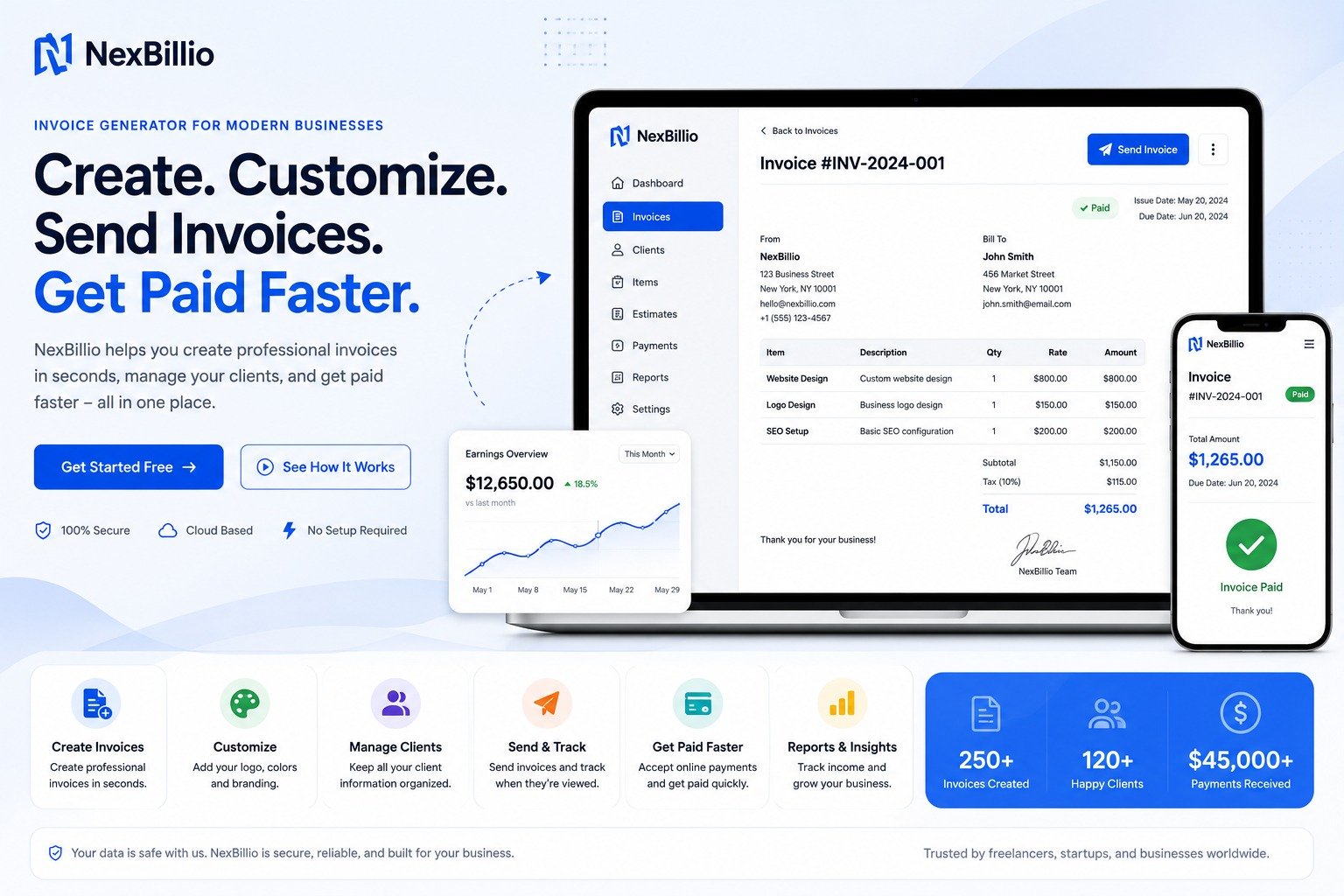
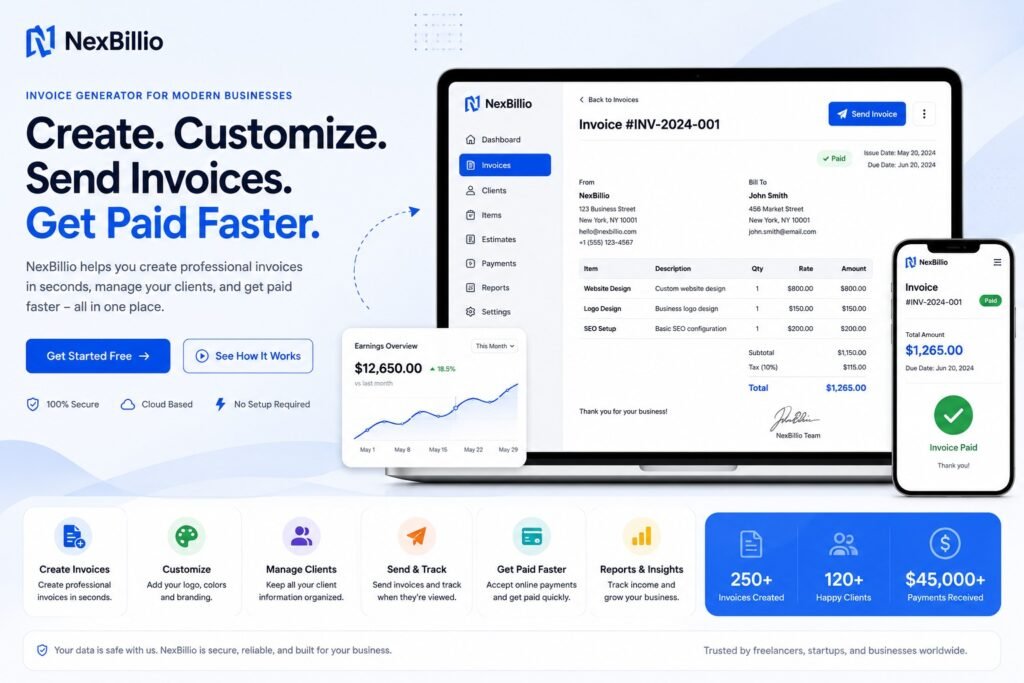
Simple invoice generators like Nexbillio and Invoice Generator are perfect if you invoice less than 50 times per month, invoice individually rather than on a recurring schedule, don’t need payment collection, want minimal setup time, and prefer simplicity over features. Simple tools work great as long as invoicing volume stays manageable.
Feature-rich free platforms like Zoho Invoice and Wave make sense if you invoice 50 or more times monthly, need recurring invoices, want payment collection features, need invoicing plus basic accounting, or have multiple team members. These platforms handle volume better and include features that save time at scale.
Premium invoicing software like FreshBooks or QuickBooks Online becomes necessary if you invoice 500 or more times monthly, need advanced accounting integration, require multi-location or multi-entity support, have complex tax requirements, or need dedicated support. Most small businesses never reach this level.
Building Your Invoicing System
Having the right tool matters. Having the right process matters more. Here’s how to build a system that accelerates payment.
Start by setting up your defaults once. Take 30 minutes upfront to enter your business name, address, logo, payment methods, payment terms, and standard notes. These become defaults for every invoice, so perfect them once and you’re done. This initial investment pays dividends because every invoice going forward takes 2 minutes instead of 5. Multiply by 100 invoices and you’ve saved 300 minutes of work annually.
Establish clear payment terms upfront. Before starting any project, confirm payment terms with the client. Is it 15, 30, or 45 days? Document this agreement. When you create the invoice, reflect the terms agreed. For new clients or large projects, consider requesting 25 to 50 percent upfront.
Create detailed line items. Vague invoices create questions and delay payment. Instead of “Consulting — $1,200,” write “Website strategy consultation — 3 hours at $400/hour.” Instead of “Copy writing services — $800,” write “Blog post content — 5 posts, 1,000 words each — $800.” The specificity reduces questions from clients and eliminates negotiation after delivery.
Build an invoicing schedule and stick to it. Send invoices immediately upon project completion, on the 1st of each month for retainer clients, or upon project milestones for large projects. The sooner you invoice, the sooner payment arrives.
Set payment reminders in your calendar. Mark the invoice due date. Set a reminder 2 days after due date for a gentle check-in. Follow up again 1 week after due date. Then more formally at 2 weeks past due. Reminders prevent payment from slipping through cracks. Research shows one friendly reminder results in payment within 48 hours for most clients.
Track payment status rigorously. Keep a simple spreadsheet or use your invoicing tool’s tracking features — invoice number, client name, amount, due date, and whether payment was received. You’ll notice patterns: some clients always pay on time, others consistently pay late. This helps you forecast cash flow accurately.
Optimize payment methods. Make paying you as easy as possible. Offer multiple options — bank transfer, credit card, PayPal, check, ACH. The more options you provide, the fewer excuses clients have to delay payment. Each method should be clearly listed on the invoice with exact instructions.
Consider early payment incentives. Some businesses offer a 2 to 3 percent discount for payment received within 10 days. This costs you slightly but might dramatically accelerate cash flow. Experiment with a few clients to see the impact.
Invoicing for Different Business Models
Service providers like consultants, coaches, and agencies should send invoices immediately upon service delivery, break down hours and deliverables clearly, and consider retainer arrangements for steady income. If clients often request revisions, define revision terms on the invoice.
Freelancers including writers, designers, and developers should establish clear revision policies before starting and include them on invoices to prevent scope creep disputes. Invoice upon delivery milestones rather than waiting until the entire project ends. For large projects spanning weeks, invoice milestone-by-milestone for better cash flow.
Product-based businesses should invoice upon shipment, keep product invoices separate from service invoices in your tracking, and integrate invoicing with inventory management.
Subscription and retainer businesses should use recurring invoices so clients are billed monthly automatically. This eliminates manual invoicing and creates predictable revenue.
E-commerce businesses should integrate their invoicing tool with their store so invoices generate automatically upon order placement.
Common Invoicing Mistakes Costing You Money
Vague descriptions force clients to contact you with questions. Each question delays payment 1 to 2 days. Be ruthlessly specific about what you delivered.
Missing payment information means clients can’t pay even if they want to. Include exact payment instructions — bank account with IBAN if international, PayPal email, mailing address, or payment portal link.
Invoicing too late means clients forget about the work. Invoice the same day work is complete. Each day of delay decreases payment speed.
Wrong contact person means the invoice lands in the wrong inbox. Confirm exactly who handles payments at the client and send directly to that person.
Inconsistent payment terms confuse clients about deadlines. Use the same terms with every client. If a client requires different terms, confirm this in writing.
No follow-up means payment isn’t a priority. Your single reminder often results in payment within 48 hours. Without it, payment might never happen.
Accepting scope creep without charging means work expands but invoice doesn’t. Establish clear revision limits upfront. Additional work equals additional invoice. Document what’s included on every invoice to prevent disputes.
Poor invoice formatting makes invoices look unprofessional. Use a template with consistent branding. Consistent formatting affects payment speed.
International Invoicing Considerations
Currency risk is real if you invoice in multiple currencies. Exchange rate fluctuations affect your revenue. Some businesses invoice everything in USD to avoid this. Decide upfront and document clearly on every invoice.
Tax requirements vary by country. The US, UK, EU, Australia, and Canada all have different tax rules for invoicing. If invoicing internationally, research requirements for each country where you have clients. Some countries require specific invoice formats to be tax-compliant.
Payment methods differ by region. US businesses commonly wire funds, Europeans use bank transfers, clients in some parts of Asia might prefer PayPal. Offer multiple payment methods if invoicing internationally.
Invoice templates need flexibility for international clients. Some countries require specific elements on invoices. Zoho Invoice and Wave support multiple templates by country, which is helpful.
Your Small Business and Freelancer Invoicing Questions Answered
How often should I send invoices?
Immediately upon delivery of work. Don’t wait until end of month or end of project. The faster you invoice, the faster you get paid.
What payment terms should I use?
Industry standard is 15, 30, or 45 days. Net-15 or Net-30 is most common. For new clients or large projects, consider 50 percent upfront and 50 percent upon delivery.
What if a client refuses to pay?
Document everything. Keep copies of the invoice, project scope, and deliverables. Follow up professionally but firmly. If payment doesn’t arrive, consider small claims court for smaller amounts or a collection agency for larger ones.
Can I charge interest on late payments?
Legally yes, though check your local laws. Include late payment terms on your invoice: “Invoices unpaid 30 days after due date will incur 1.5% monthly interest.” This discourages late payment.
How do I handle rush invoicing?
If a client requests invoicing on an unusual schedule that requires extra work, charge a rush fee and include it on the invoice with explanation.
Should invoices be legally binding?
Invoices serve as billing documents, not formal contracts. For large projects, have a separate contract outlining scope, rates, and payment terms. The invoice references that contract.
How long should I keep invoice records?
Keep invoices for a minimum of 3 to 7 years depending on your country’s tax requirements. Digital storage is fine.
How do I invoice retainer clients?
Send invoices on a fixed schedule — the 1st of the month is common. Keep itemization detailed so clients understand what they’re paying for.
What if a client asks for a discount after invoicing?
You can offer one if you choose, but don’t feel obligated. Professional work has professional pricing. If a client requests a discount, respond professionally: “Standard rate is $X. I’m happy to discuss project scope if budget is a constraint.”
Tools Specifically for Small Business Invoicing
Wave remains the top recommendation for small businesses. Unlimited invoicing, payment collection, basic accounting, and expense tracking — all free. Designed for small business needs without overcomplicating things.
Zoho Invoice works beautifully for growing businesses. The free tier caps at 1,000 invoices per year, which works for many small businesses. Customization and integration with other Zoho tools is powerful.
Square Invoices is excellent if payment collection is your priority. Simple, focused, and integrated with Square’s payment system. No accounting features, but invoicing and payment collection work seamlessly.
Stripe Invoicing is built for businesses already using Stripe for payments. Simple, free, and integrates directly with your Stripe account.
For most small businesses starting out, Wave or Zoho free tiers work perfectly. Only move to paid options when you’ve outgrown free tier capabilities.
Building Your Invoicing Ideal Client Profile
Different clients have different payment behaviors. As you invoice, track which clients pay on time consistently, which pay late but eventually pay, and which create payment disputes.
Over time, you’ll develop an ideal client profile — the type of client who pays on time and doesn’t create drama. Target more clients like this and fewer of the problematic type.
Document what characterizes ideal clients. Which industry or business type? What company size? What project complexity? As you identify patterns, adjust your sales focus accordingly. Sometimes the highest-paying clients are actually less profitable because payment delays tie up cash. A smaller client who pays same-day might be more valuable.
Creating Your Invoicing Workflow
Document your complete invoicing workflow so it’s repeatable.
Before the project, confirm scope, rates, and payment terms with the client. Document in writing — email is fine. Upon project completion, email the client confirming deliverables received and work is complete. That same day, create the invoice with detailed line items and send it with a brief professional email. Keep a copy for your records.
Note the due date in your calendar. If payment hasn’t arrived 2 days after the due date, send a gentle reminder: “Hi [name], wanted to confirm you received the invoice for [project]. Let me know if you have any questions or need a revised invoice.” One week after the due date, follow up more formally. Two weeks after the due date, contact the client directly — a phone call if possible. This conversation often results in immediate payment.
If 30 or more days pass without payment, decide next steps — small claims court, a collection agency, or write-off. Document everything if pursuing.
This workflow ensures you never forget follow-up and consistently get paid faster.
Scaling Your Invoicing System
As your business grows, your invoicing needs evolve.
Under $100,000 in annual revenue, use a free invoice generator or the free tier of Wave or Zoho. Manual invoicing works fine. A basic spreadsheet tracks payment status.
From $100,000 to $500,000 in annual revenue, upgrade to paid invoicing with accounting integration. Automate recurring invoices. Integrate with bank accounts for automatic payment tracking. Give multiple users access to the system.
From $500,000 to $1 million or more, consider enterprise-level accounting software like QuickBooks, Xero, or NetSuite. Full automation, advanced reporting, and multi-entity support become necessary. A CFO or bookkeeper manages invoicing and accounting.
Don’t jump to expensive software early. Start simple, upgrade as complexity demands. Most successful small businesses run on free or inexpensive invoicing tools indefinitely because they work fine once the system is established.
Invoicing as Competitive Advantage
Most small business owners and freelancers see invoicing as necessary administration — a chore to get done. They don’t see it as strategy.
But invoicing directly impacts your cash flow, which impacts your business growth. The difference between getting paid in 30 days versus 45 days is massive for cash flow. The difference between an invoice that leads to payment and one that creates disputes is enormous for time and stress.
The right invoicing strategy — starting with the right tool, establishing clear processes, and consistently following up — creates a competitive advantage. You get paid faster than competitors. We have better cash flow. You make better business decisions based on organized financial data.
Start today. Choose an invoice generator. Set it up properly. Create your first invoice with detail and professionalism. Send it same-day. Follow up professionally. Repeat. Your cash flow will improve. Our stress will decrease. Your business will grow. All starting with how you think about invoicing.