
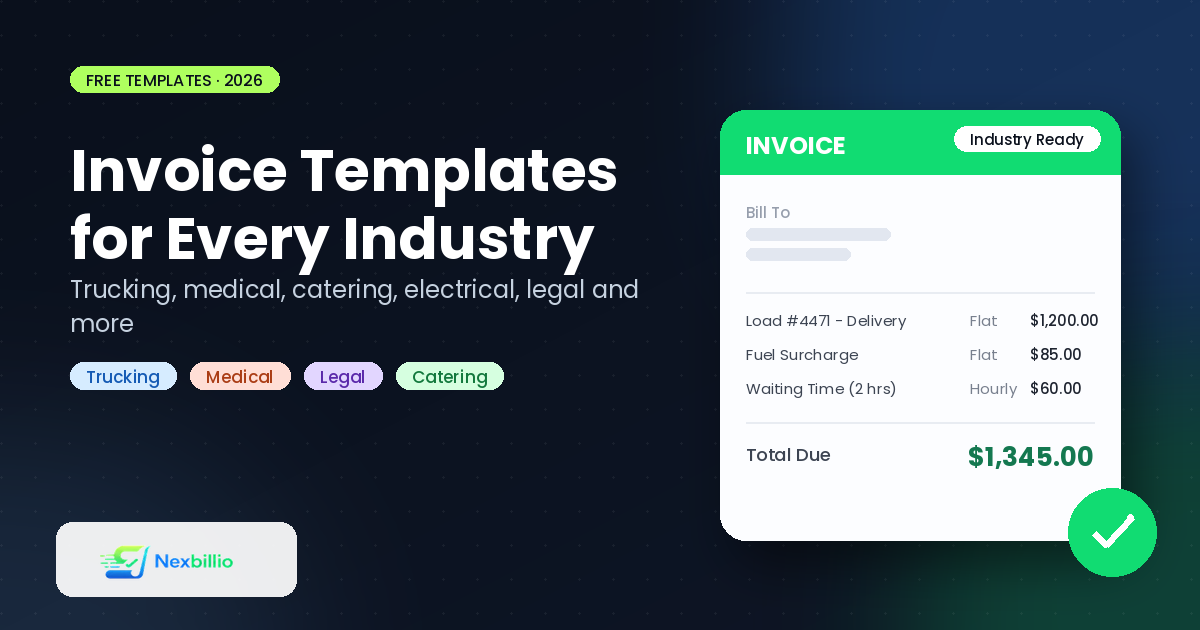
A trucking company and a bakery both send invoices, but they don’t send the same invoice. One needs load numbers, mileage, and delivery dates. The other needs order details and maybe a note about a standing weekly account. Generic advice like “just fill in a template” only gets you halfway. The fields that actually matter change depending on what you do for a living.
This guide walks through how to build an invoice properly, then breaks down what to include for a handful of specific industries, trucking, electrical, medical, catering, legal, and more. So you’re not guessing which fields your invoice is missing.
How to Create an Invoice, the Short Version
Before getting into industry specifics, here’s what every invoice needs regardless of what you sell:
- Your business name and contact details — address, phone, email
- A unique invoice number, ideally sequential so nothing gets duplicated or skipped
- The date the invoice was issued, and a due date if payment terms apply
- Client name and contact information
- Itemized description of goods or services, with quantity and rate
- Subtotal, tax (if applicable), and total due
- Payment terms and accepted payment methods
That’s the skeleton. If you’re wondering how to create a business invoice for the first time, starting with these seven fields covers you legally and practically in almost any industry, before you add anything specific to your trade.
Free Invoice Maker vs. Word, Excel, or InDesign Templates
There are three broad ways people put an invoice together, and each comes with trade-offs worth knowing before you pick one.
A free online invoice maker (like a browser-based generator) calculates totals and tax automatically, formats everything consistently, and exports straight to PDF. You don’t need design skills or spreadsheet formulas, you fill in fields and download.
Word or Google Docs templates are easy to open on any device and simple to edit by hand, but they don’t calculate anything. If you’re wondering how to create an invoice in Word, the honest answer is: it works fine for a handful of invoices a month, but you’re doing the math yourself, and one wrong subtotal can mean an underbilled client.
Excel templates let you build formulas so totals update automatically, which is genuinely useful if you know your way around spreadsheets. The catch is that formatting breaks easily; add or delete a row and suddenly your borders or totals are off, and you’re troubleshooting a spreadsheet instead of running your business.
Design tools like InDesign give you the most control over layout and branding, which some larger businesses use for a polished, print-ready look, but it’s overkill for sending a routine invoice, and most clients care more about clarity than typography.
If you’re asking “is there a free invoice maker that just works without a learning curve,” a browser-based generator is usually the fastest answer, especially once you’re sending more than two or three invoices a month.
Industry-Specific Invoice Templates
Here’s where the details actually change based on what you do.
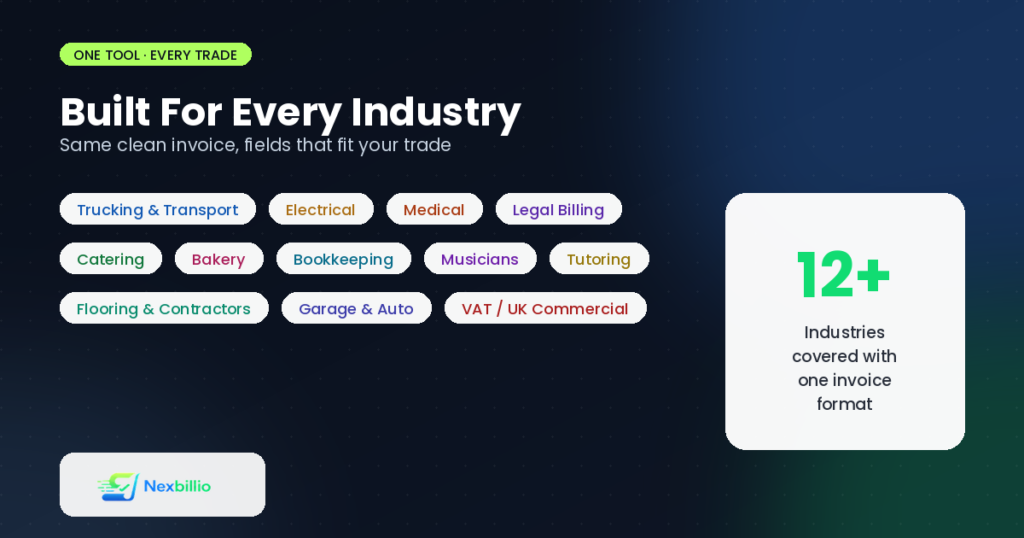
Trucking and Transport Invoices
A trucking invoice sample needs more logistics detail than a standard service invoice. Include:
- Load or shipment number
- Pickup and delivery locations, with dates for each
- Mileage or weight-based rate if that’s how you charge
- Fuel surcharge, if applicable
- Bill of lading reference number
Transport invoices in general benefit from a clear breakdown between the base rate and any additional charges like waiting time or extra stops, since disputes in this industry usually come down to “what was actually agreed on” versus what showed up on the final bill.
Electrical, Flooring, and Contractor Invoices
An electrical invoice template or a flooring installation invoice template should separate labor from materials clearly. Clients want to see:
- Labor hours and rate, listed separately from materials
- Material costs, ideally itemized rather than lumped into one line
- Permit fees, if the job required one
- A note on warranty or guarantee period for the work
The same structure applies well to a garage invoice template or a concrete invoice, jobs where the client is paying for both physical materials and skilled labor, and wants to see what portion of the bill covers each.
Medical Invoices
A medical invoice carries more compliance weight than most other categories. Depending on your region, this typically needs:
- Patient name and ID or reference number
- Date and description of service or procedure
- Procedure or billing code, where applicable
- Insurance details, if the invoice is being submitted for reimbursement
- A clear split between what the patient owes directly and what’s billed to insurance
Because of privacy regulations in most regions, medical invoices also need careful handling of what personal information gets included and how the document is stored or transmitted.
Restaurant, Catering, and Bakery Invoices
A restaurant invoice generator setup is usually simpler than the categories above, but catering and bakery orders often involve advance deposits and event-specific details. For a catering invoice, include:
- Event date and headcount
- Menu items or package selected
- Deposit paid versus balance due
- Delivery or setup fees, if separate from the food cost
A bakery invoice for a custom order (a wedding cake, for instance) benefits from the same deposit-versus-balance structure, since custom food orders are rarely paid in full upfront.
Legal and Bookkeeping Billing
A legal billing template usually bills by the hour or by a flat fee per matter, and clients expect transparency on both. Include:
- Matter or case reference number
- Hourly rate and hours logged, or flat fee description
- Disbursements (filing fees, courier costs, etc.) listed separately from professional fees
- Trust account details, if relevant in your jurisdiction
A sample bookkeeping invoice follows a similar logic: separate the recurring monthly fee (if you charge one) from any one-off work, like a specific reconciliation project or year-end cleanup, so the client can see exactly what they’re paying for each month.
Musicians, Tutors, and Freelance Creatives
A musician invoice template typically covers a single gig or a series of bookings. Useful fields include:
- Event date and venue
- Performance length or set count
- Equipment or travel fees, if billed separately from the performance fee
A sample tutoring invoice works well with a similar structure: session date, duration, hourly rate, and a running note if you’re invoicing for a block of sessions rather than one at a time.
VAT and UK-Style Commercial Invoices
If you’re invoicing in the UK or anywhere with VAT, a standard invoice needs extra fields that don’t apply in the US. A proper VAT invoice template includes:
- Your VAT registration number
- The VAT rate applied to each line item
- A clear split between the net amount, VAT amount, and total including VAT
A commercial invoice template in Word format is common for cross-border shipments too, since customs authorities often want to see the goods description, value, and country of origin clearly laid out, separate from a standard domestic invoice example UK businesses use for local clients.
Beyond the Invoice: Quotes, Proforma, and Receipts
Invoicing rarely happens in isolation. Most businesses move through a small family of related documents before and after the invoice itself:
- A quotation (or quote) comes first, an estimate of cost before work begins, so the client knows roughly what to expect. A quotation template in Word or a quotation format in Excel both work, though an online quote and invoicing tool that keeps quotes and invoices in the same format saves you from rebuilding the layout twice.
- A proforma invoice sits between the quote and the final invoice, often used for international shipments or when a client needs a document to arrange payment or import clearance before the final invoice is issued. A proforma sample generally mirrors the final invoice layout but is clearly marked as not a demand for payment.
- An estimate is similar to a quote but often less formal, used for jobs where the final cost might shift slightly, home renovation work is a common example.
- A receipt comes after payment, confirming the client has paid rather than requesting payment. A client payment receipt email is worth sending immediately after payment clears, it closes the loop and gives the client a record for their own books.
- A statement summarizes multiple invoices over a period, useful for clients you bill regularly who want to reconcile several invoices at once rather than tracking each one individually.
Using one tool that generates all of these in a consistent format (rather than a separate template for each) keeps your documents looking like they came from the same business, which matters more than people expect when a client is comparing paperwork from several vendors at once.
Making Repetitive Billing Less Manual
If you’re issuing the same type of invoice regularly, whether that’s an automated invoice template for a subscription service or a recurring bill for a maintenance contract, a few habits cut down on repeated manual work:
- Save a base template with your business details and standard line items pre-filled, so you’re only editing what’s different each time
- Keep a simple invoice management system, even a basic spreadsheet log of invoice numbers, dates, and payment status, prevents duplicate numbers and missed follow-ups
- If you’re billing on the go, a mobile-friendly invoice generator means you can send an invoice from a job site instead of waiting until you’re back at a desk
- For small businesses that also send quotes regularly, a combined quote and invoicing tool avoids maintaining two separate systems for two documents that share most of the same information
On the “AI invoice template” trend: some tools now market AI-assisted invoice creation, mainly auto-filling fields based on past invoices or flagging inconsistent totals. It’s a genuine convenience at high volume, but for most small businesses sending a manageable number of invoices a month, a clean template and a consistent process get you the same accuracy without needing to learn a new interface.
Frequently Asked Questions
What’s the difference between an invoice and a bill?
They’re often used interchangeably, but technically a bill is what a customer receives at the point of sale (a restaurant bill, for example), while an invoice is typically issued for services or goods with payment terms extending beyond the moment of purchase.
Do I need different invoice templates for every client type, or can one template work for everything?
One well-designed template can usually flex across most jobs within your industry. Where it breaks down is switching industries entirely, a trucking invoice and a legal billing statement need genuinely different fields, not just different colors.
Is a proforma invoice legally the same as a final invoice?
No. A proforma invoice is a preliminary document, often used for customs or advance payment arrangements, and doesn’t carry the same legal weight as the final invoice issued once goods or services are delivered.
How do I create an invoice for a one-off job without setting up an entire system?
A free online invoice generator is the fastest route, fill in the details, download the PDF, and you’re done, no ongoing account or software commitment required.
Wrapping Up
The fastest way to lose a client’s confidence isn’t a high price, it’s a confusing or incomplete invoice that makes them ask questions before they’ll pay. Whether you’re billing for a trucking load, a root canal, or a wedding cake, the fields that matter change by industry, but the underlying discipline stays the same: be specific, be consistent, and make the document easy to act on.
If you’re piecing together templates from five different sources right now, it’s worth trying a single free invoice generator that handles invoices, quotes, receipts, and estimates in one consistent format. It’s a smaller change than it sounds like, and it shows up in how professional your paperwork looks by the second or third invoice.